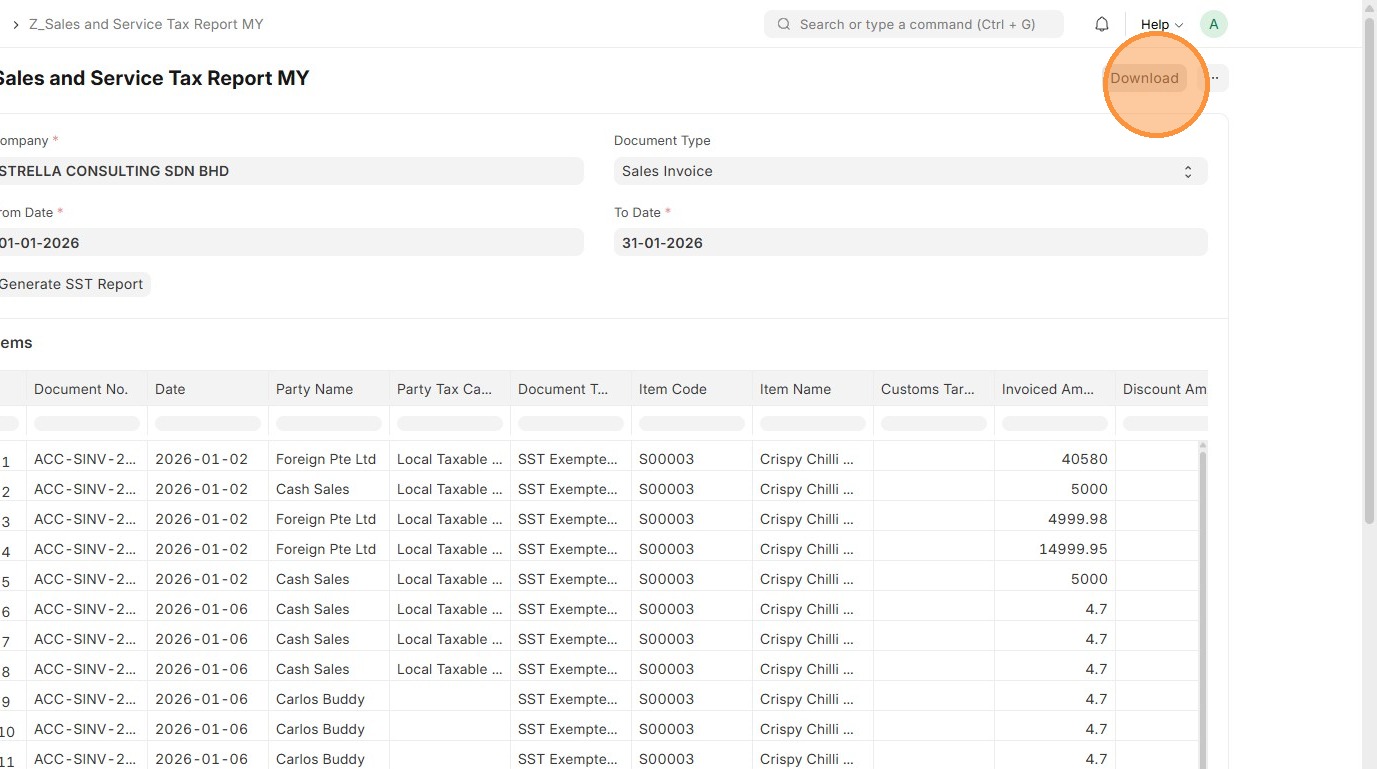
Sales and Service Tax Report MY
Order to Cash
1. Click "Accounting"
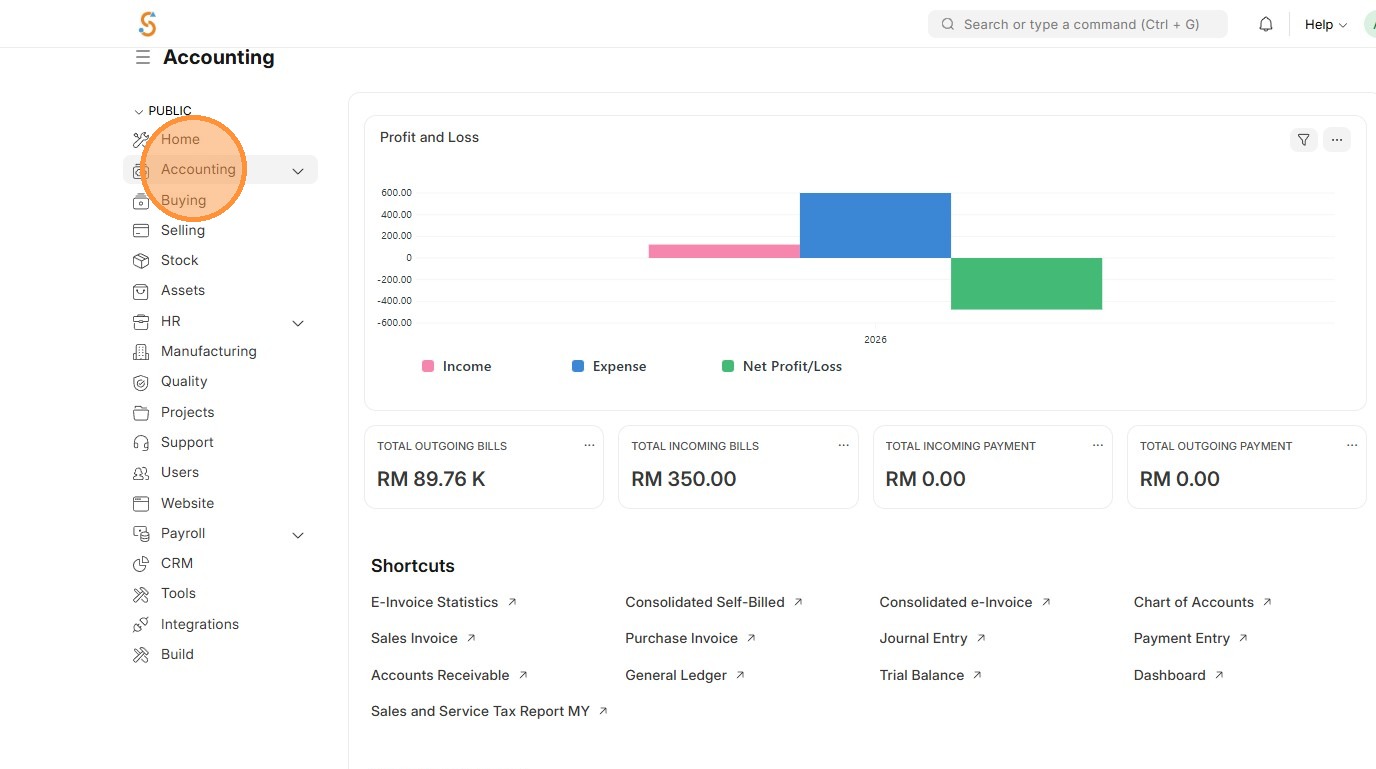
2. Click "Sales and Service Tax Report MY"
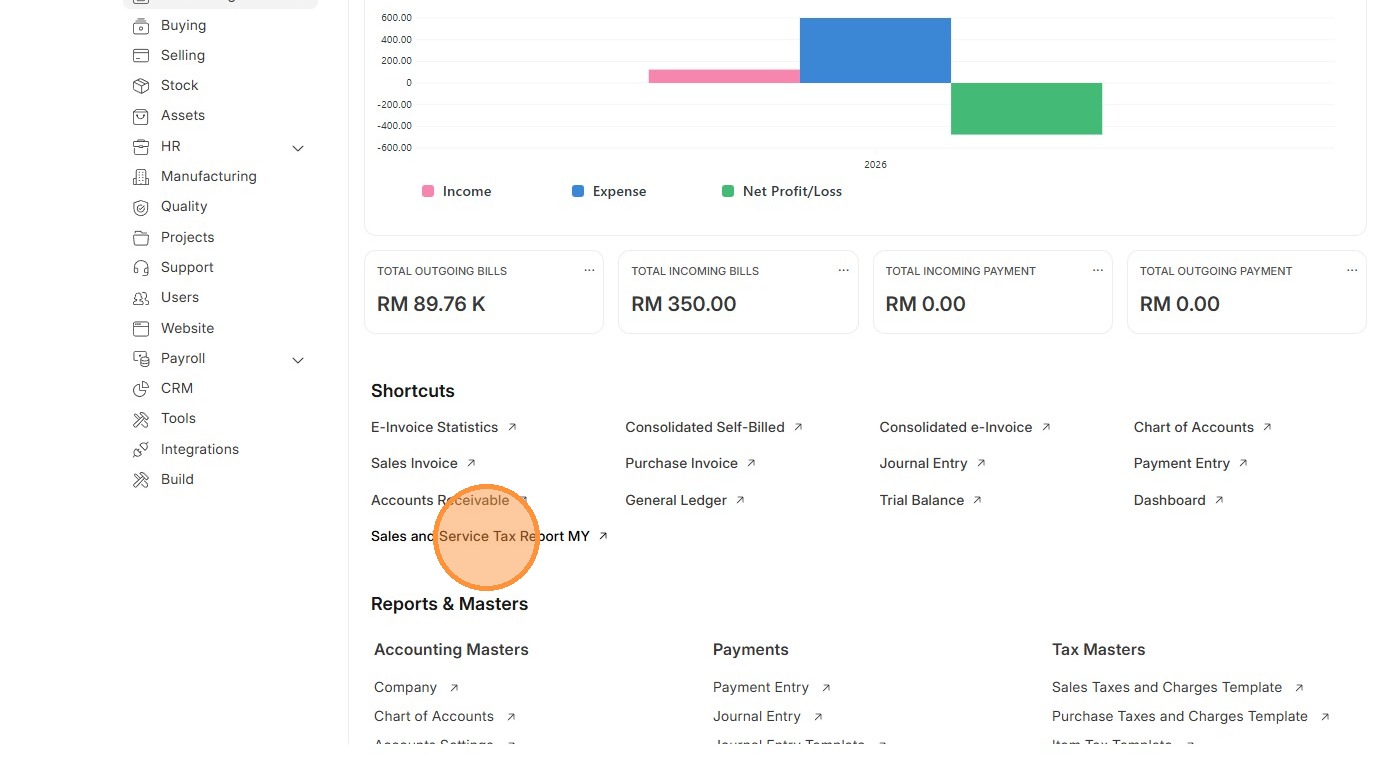
3. Select Document Type
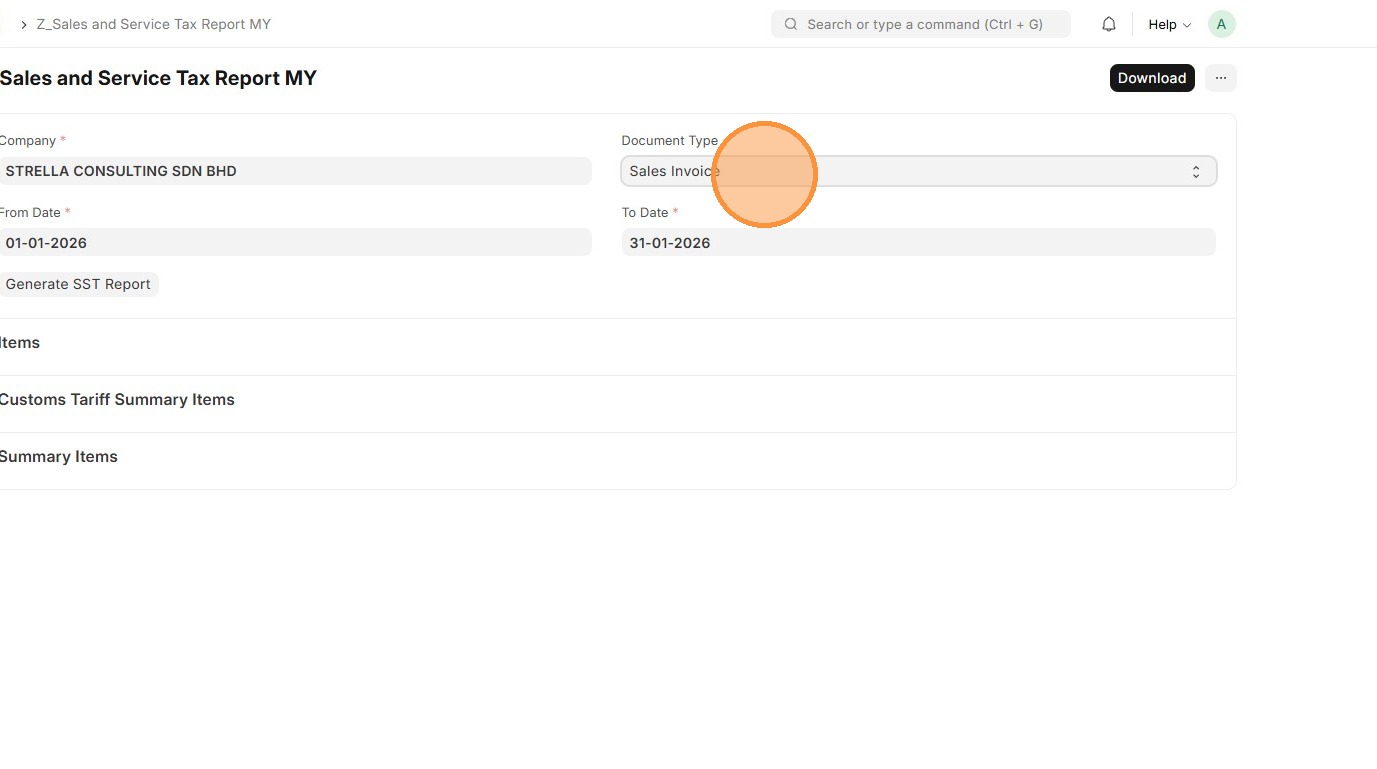
4. Select "From Date" - Start date of the SST reporting period, typically bi-monthly
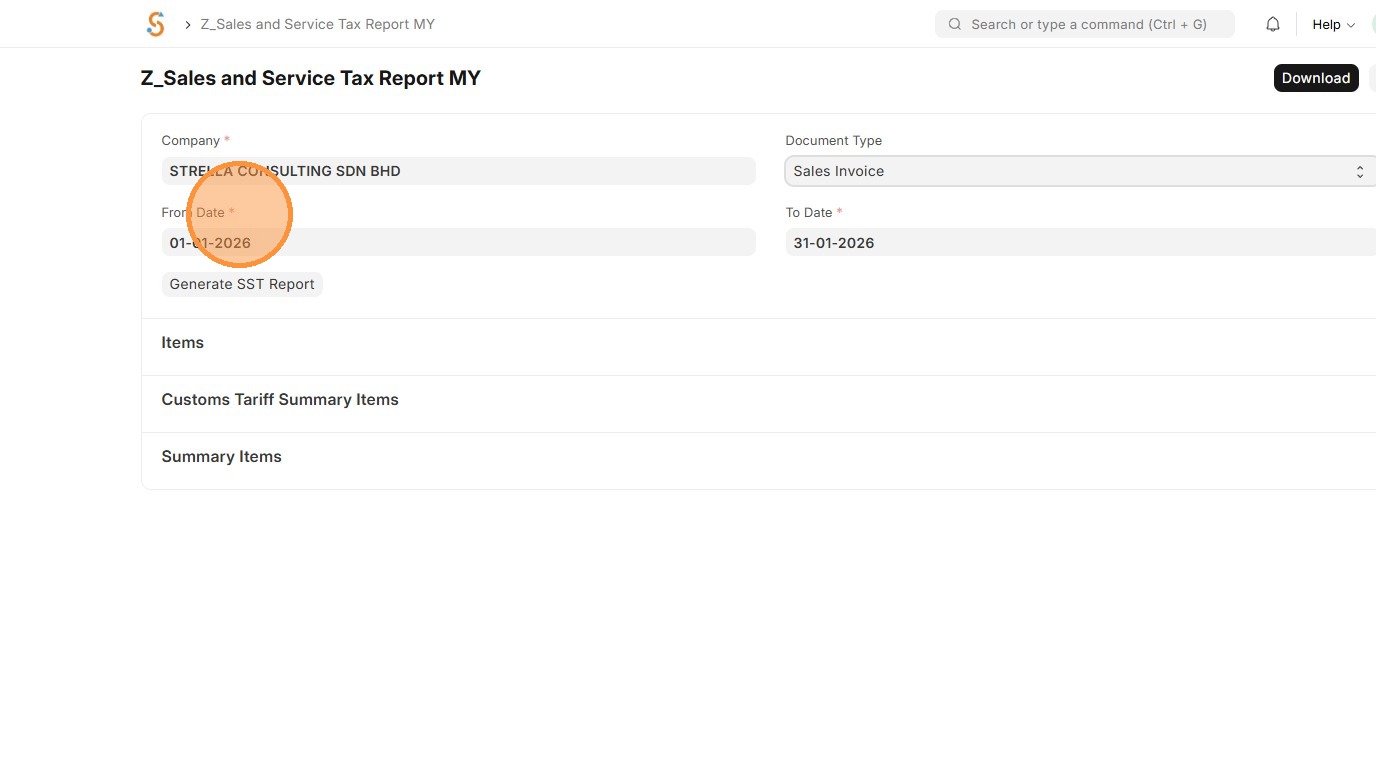
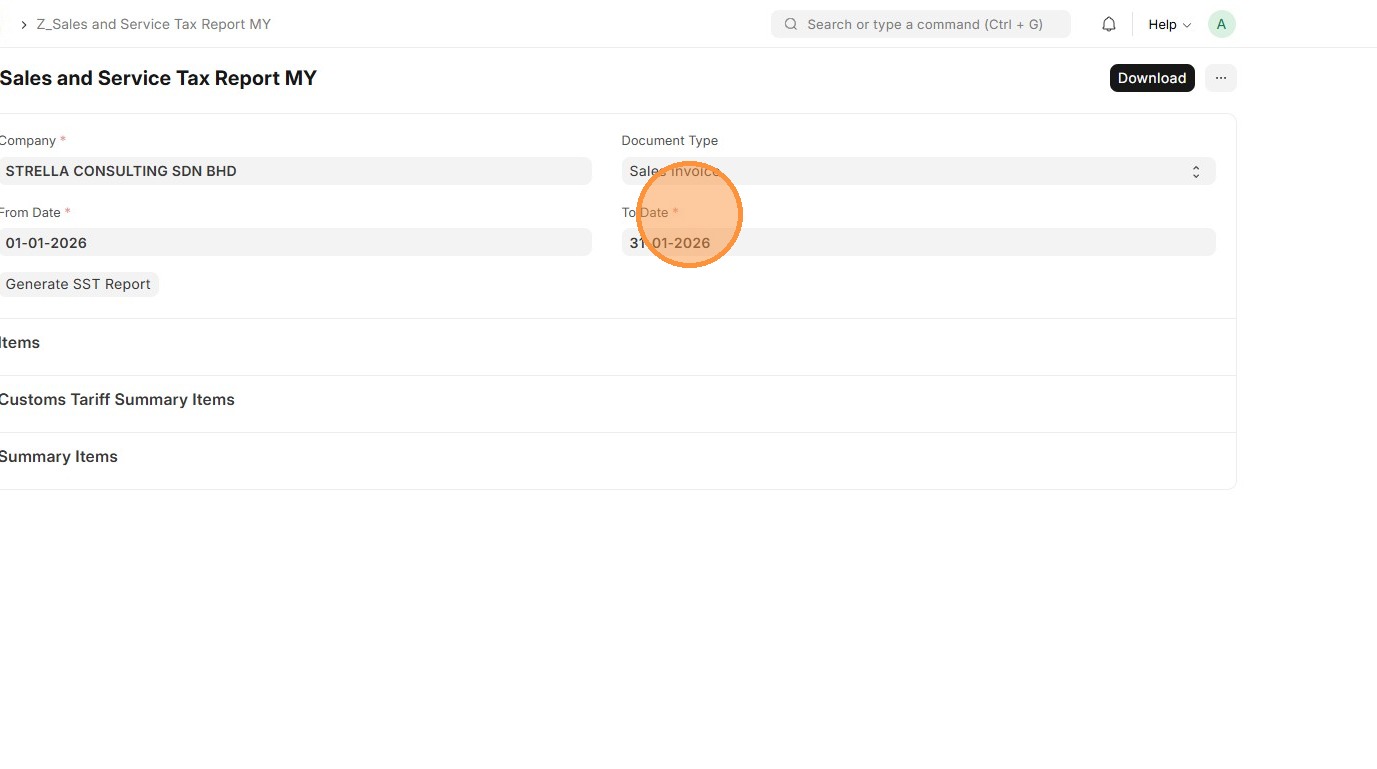
5. Select "To Date" - End date of the SST reporting period, typically bi-monthly
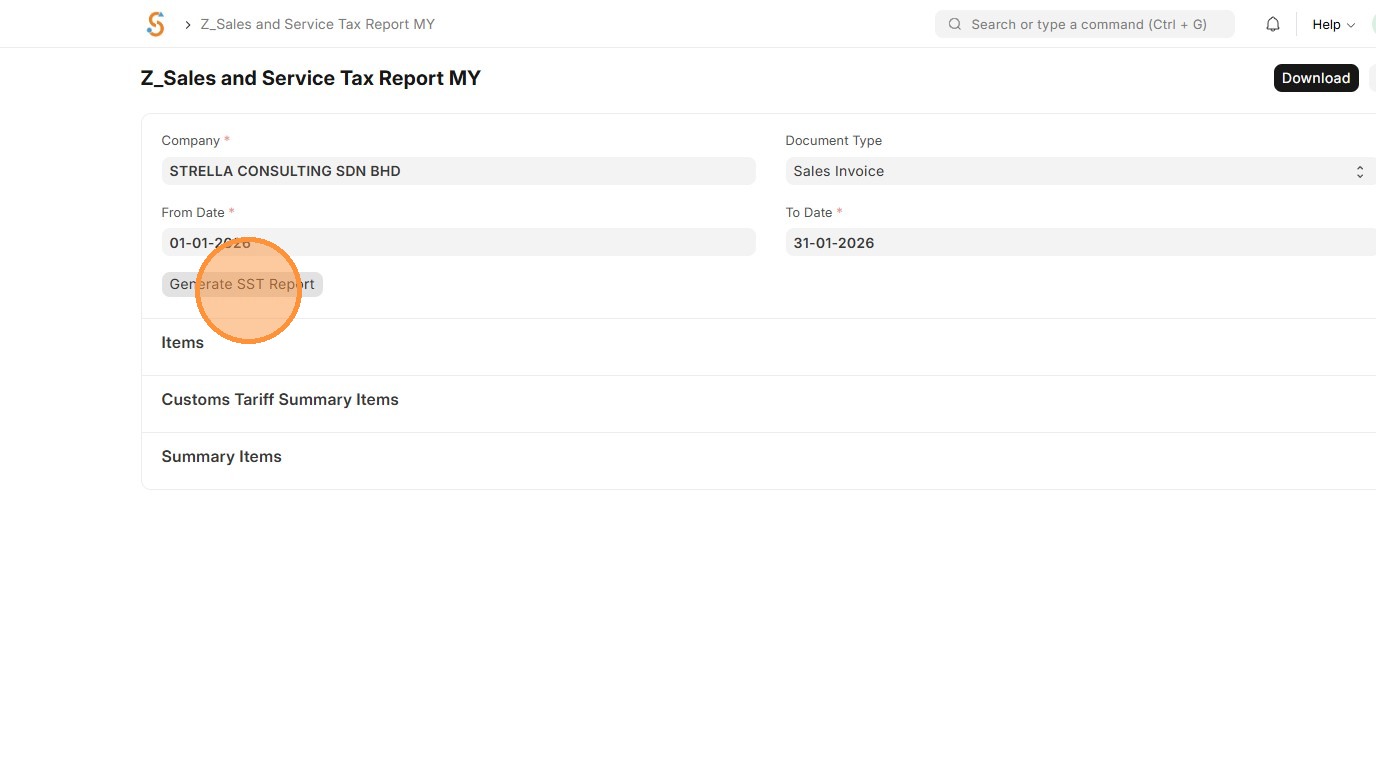
6. Click "Generate SST Report"
7. Report will be generated.
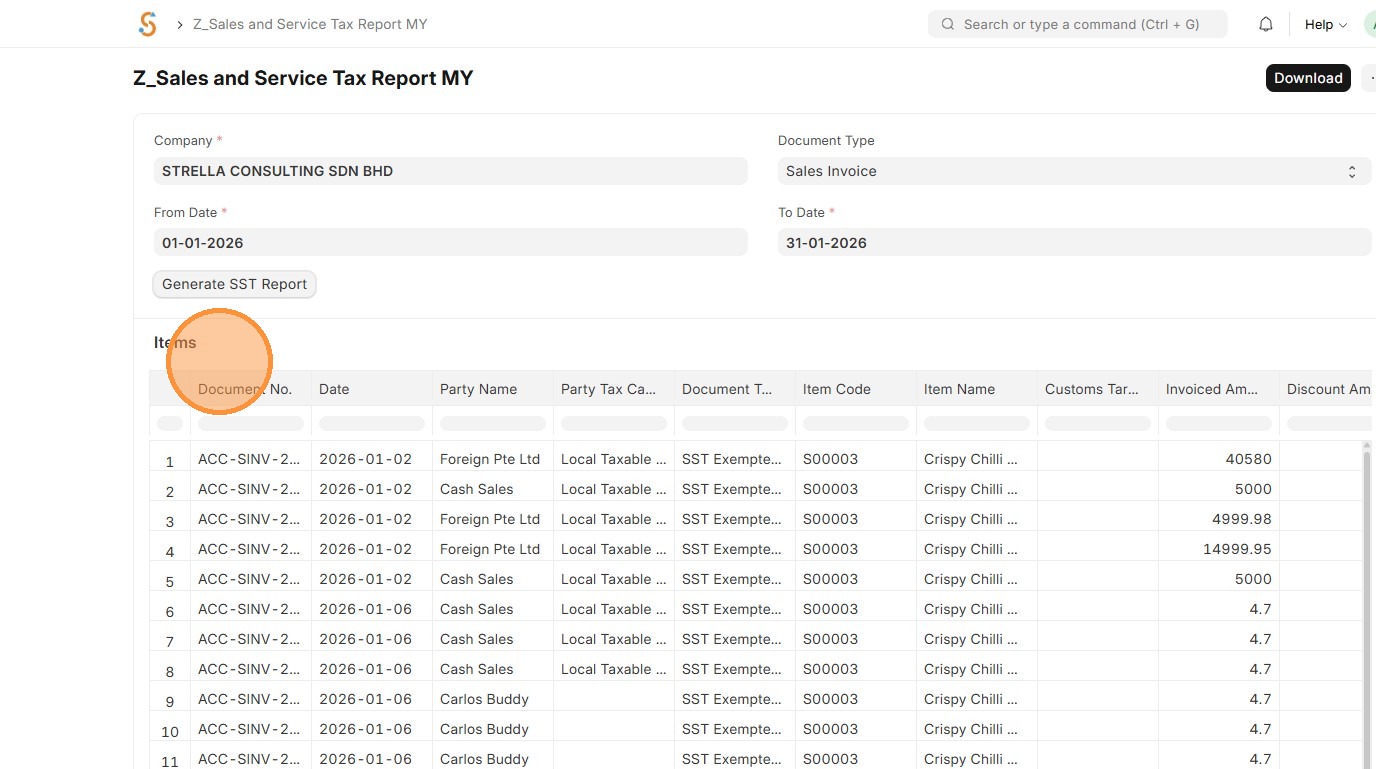
8. Click "Download" to export as Excel