Chart of Accounts
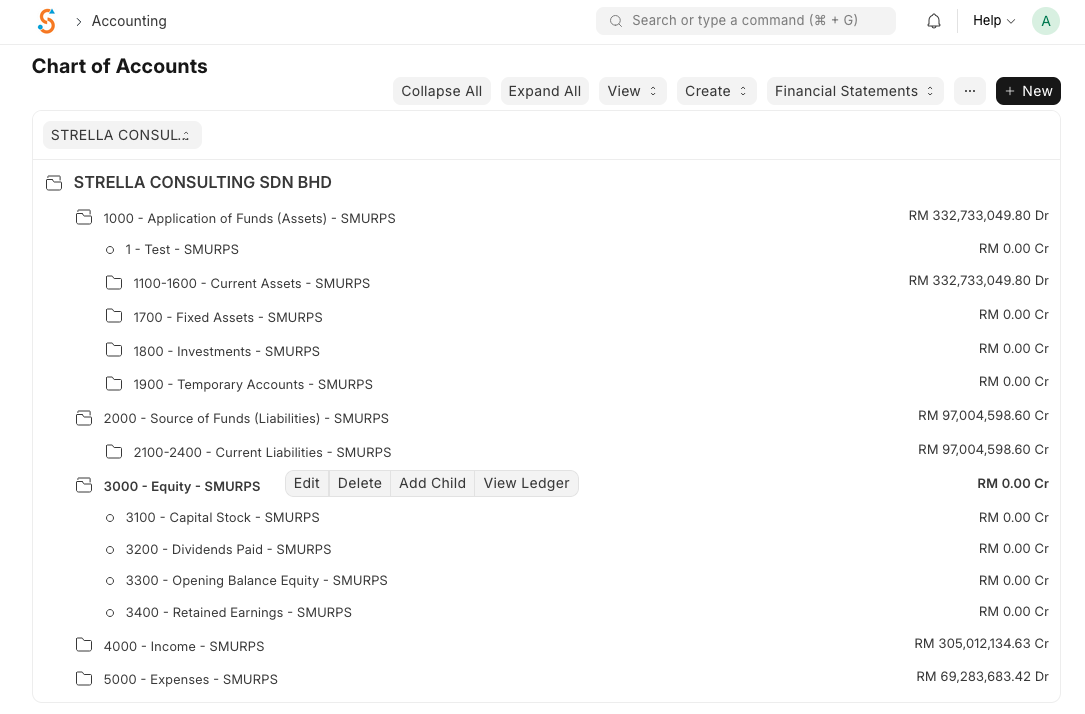
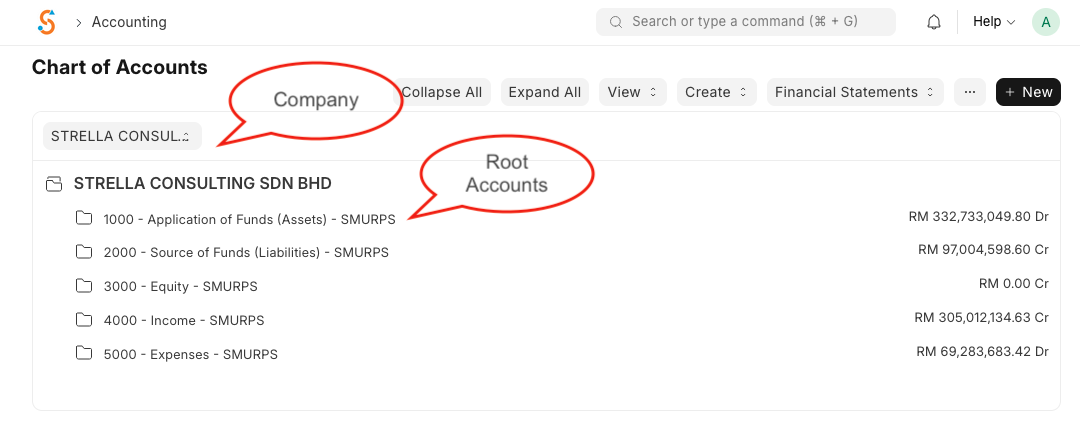
The Chart of Accounts (CoA) in SMURPS is a tree‑based structure that lists all the accounts and ledgers for your company. It reflects the fundamental double‑entry accounting principle—every financial transaction must debit one account and credit another. Top‑level groups such as Assets, Liabilities, Equity, Income, and Expenses organise the accounts into balance sheet and profit & loss categories.
To view the CoA, go to Home → Accounting → Accounting Masters → Chart of Accounts. You’ll see a tree where group accounts can contain sub‑accounts while ledger accounts (leaf nodes) hold balances.
Creating a new account
Groups aggregate totals from their children, whereas ledger accounts track individual transactions. Remember that balance‑sheet accounts (Assets, Liabilities and Equity) show balances carried forward, while profit & loss accounts (Income and Expense) reset at the start of each financial year.