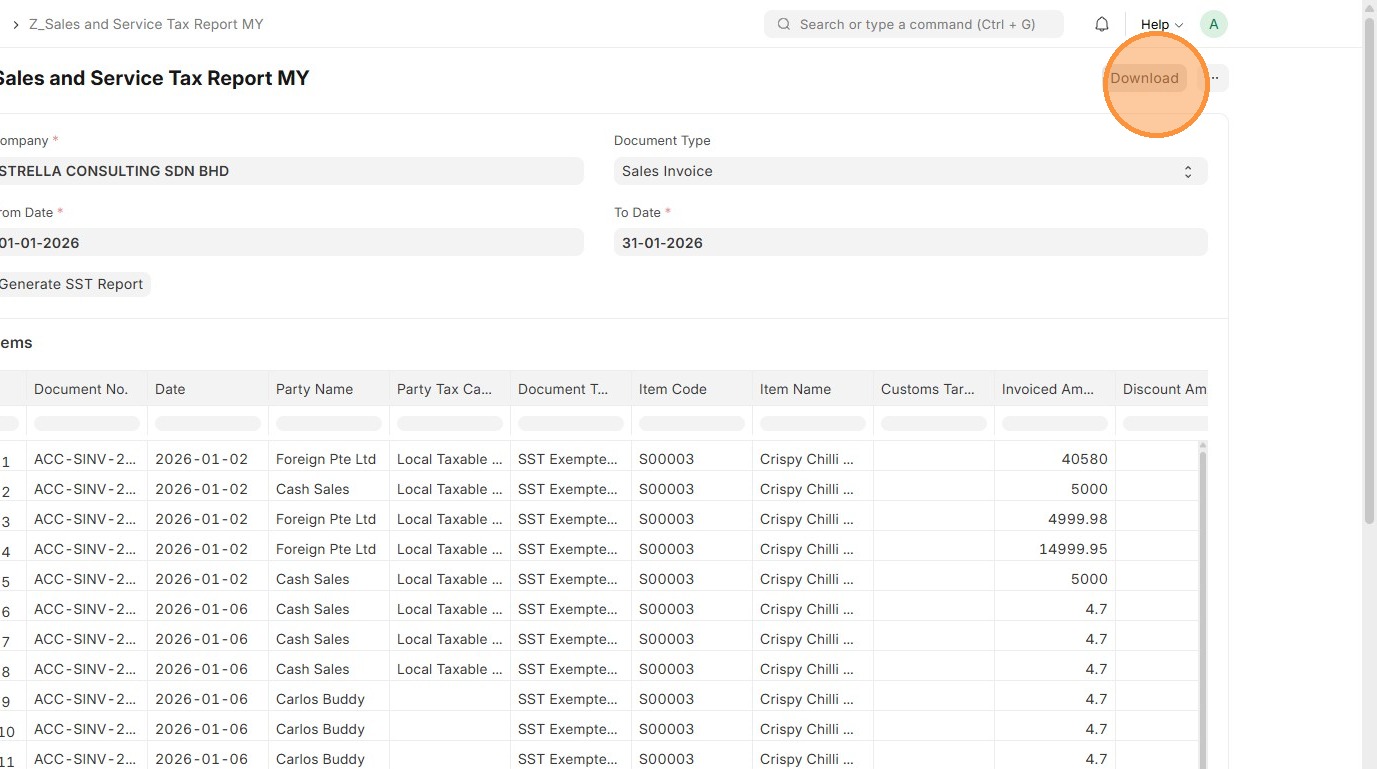
Sales and Service Tax Report MY
Order to Cash
Sales and Service Tax Report MY is a report that automatically calculates on sales and purchase transactions using the system’s tax master data, such as Item Tax Templates, Tax Categories, and Tax Rules.
The taxes are posted to the correct accounts, and ERPNext provides SST reports showing total sales tax, service tax, and amounts payable, making it easy to stay accurate and compliant when filing your SST returns..
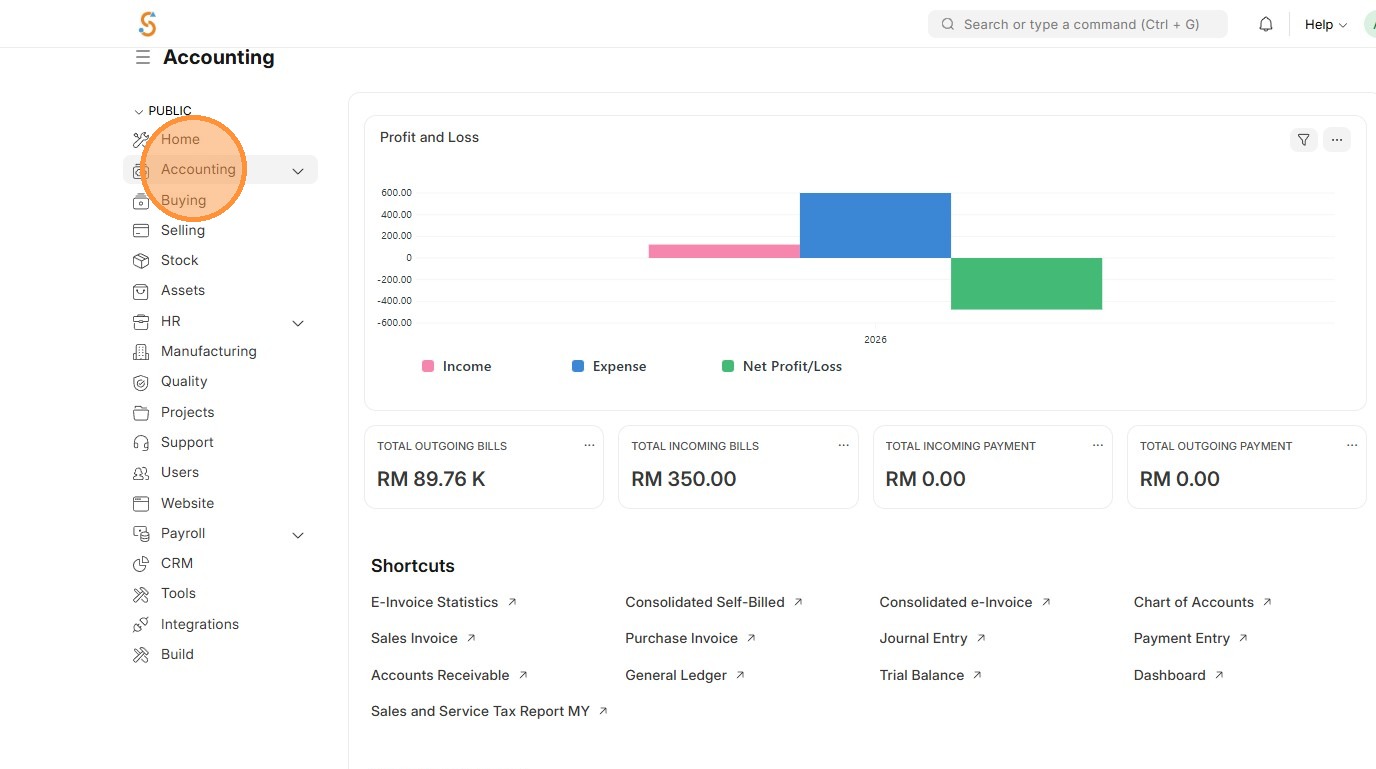
1. Click "Accounting"
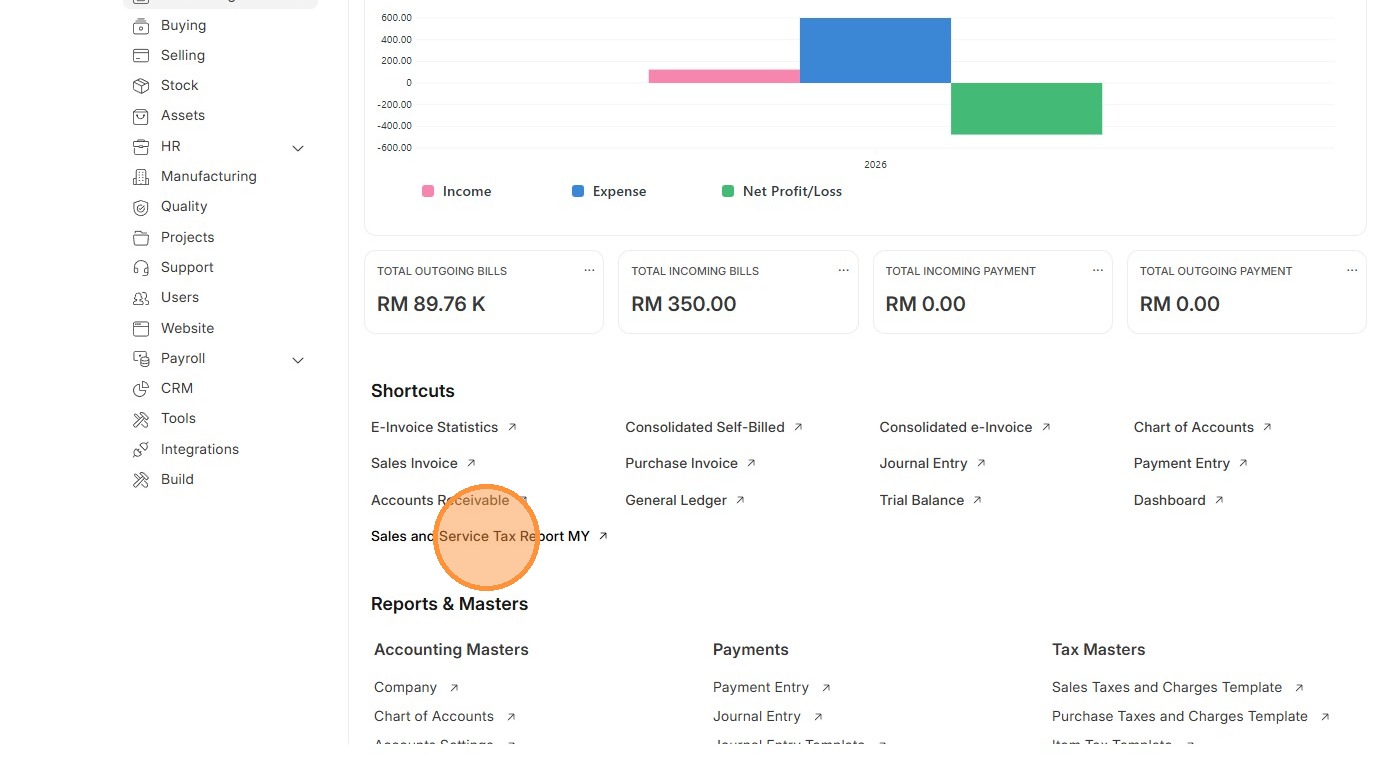
2. Click "Sales and Service Tax Report MY"
3. Select Document Type
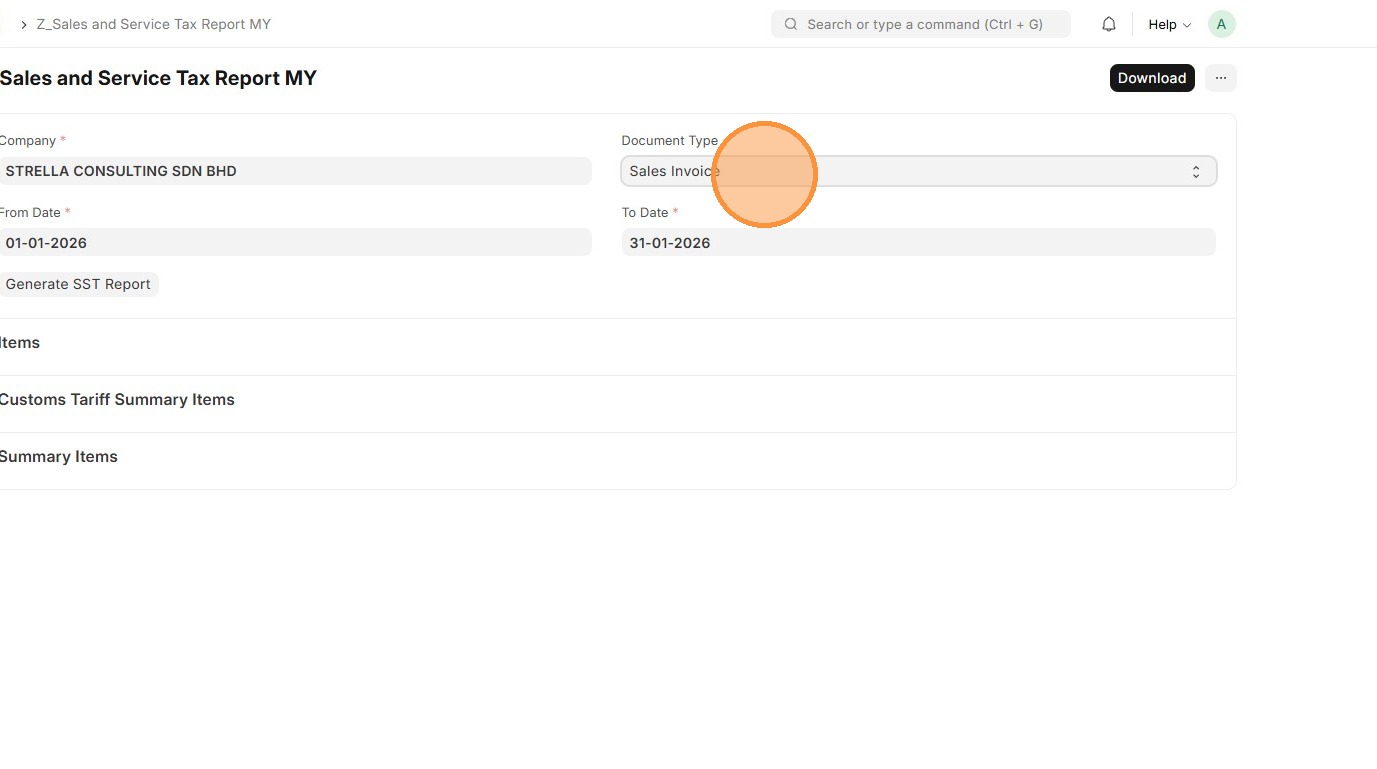
4. Select "From Date" - Start date of the SST reporting period, typically bi-monthly
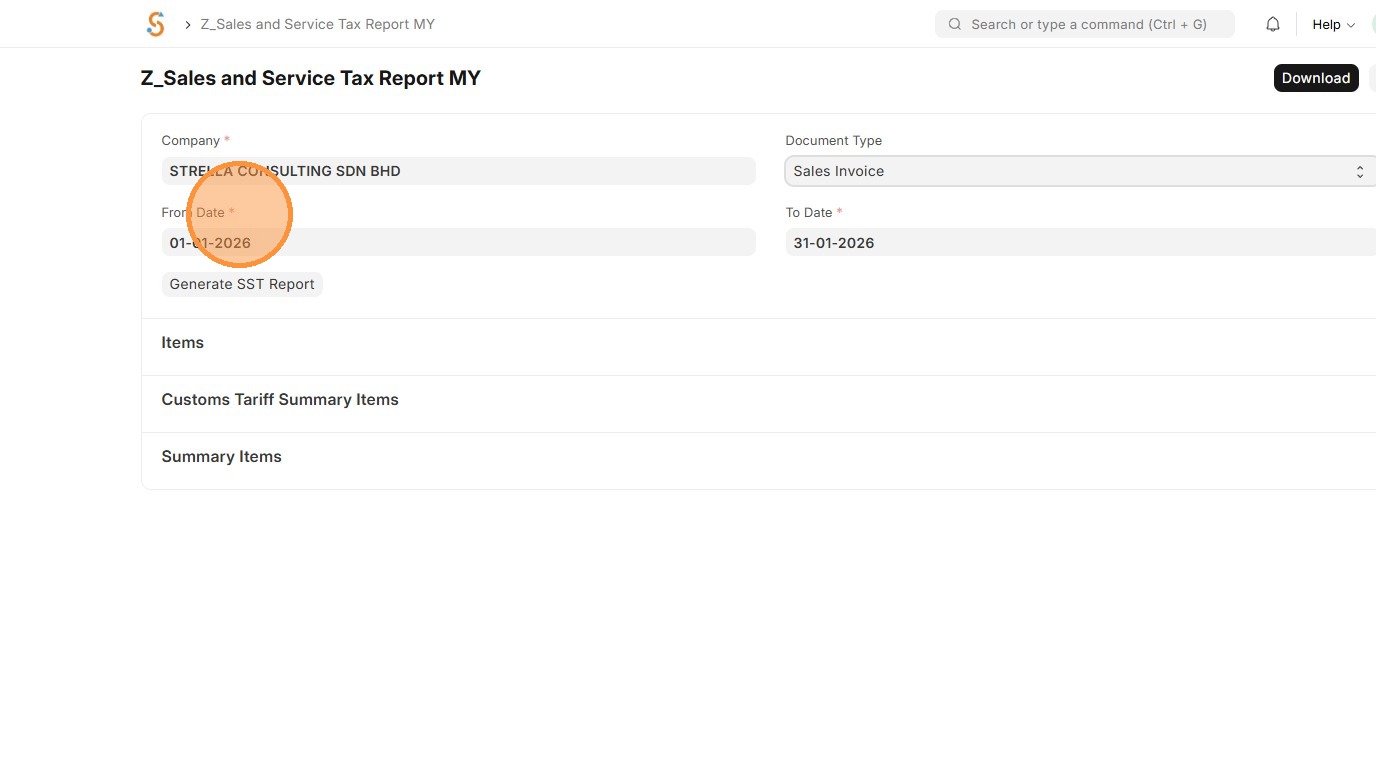
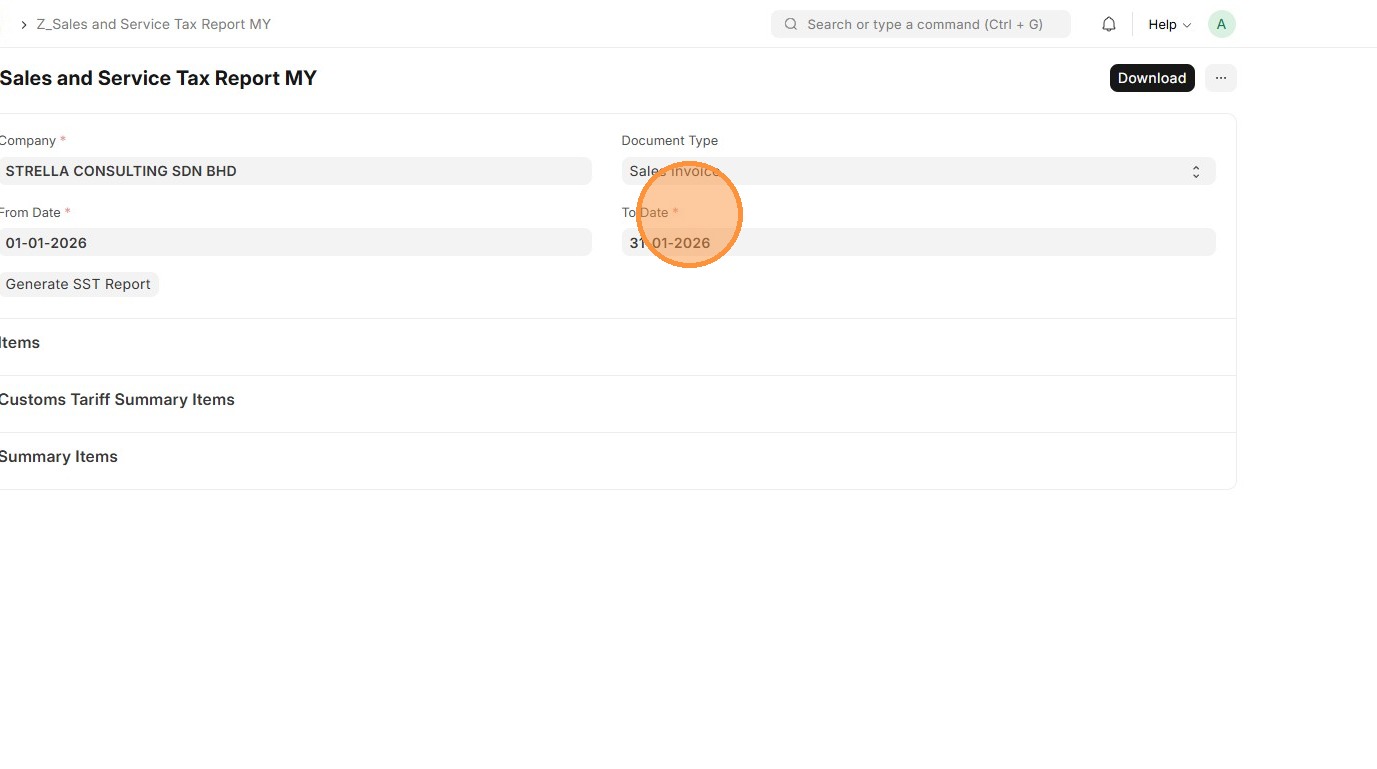
5. Select "To Date" - End date of the SST reporting period, typically bi-monthly
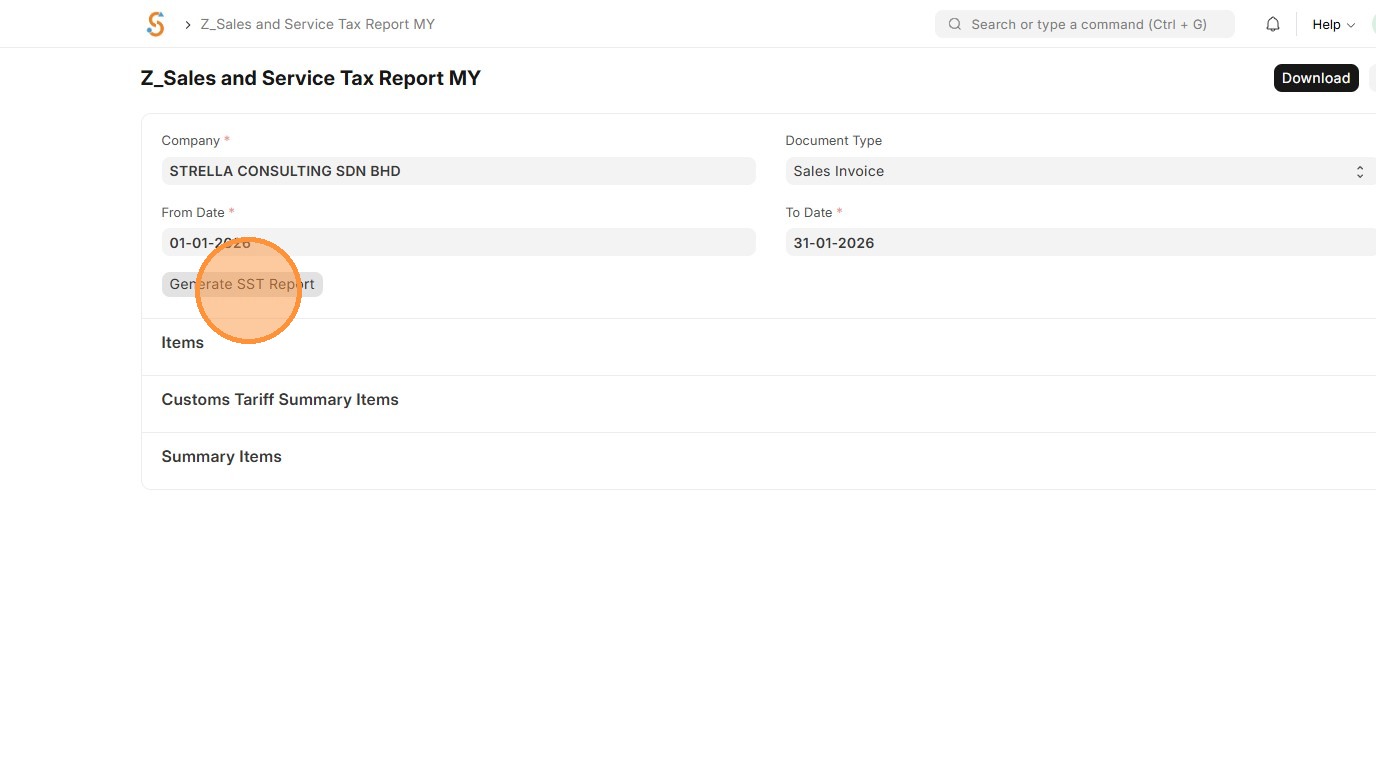
6. Click "Generate SST Report"
7. Report will be generated.
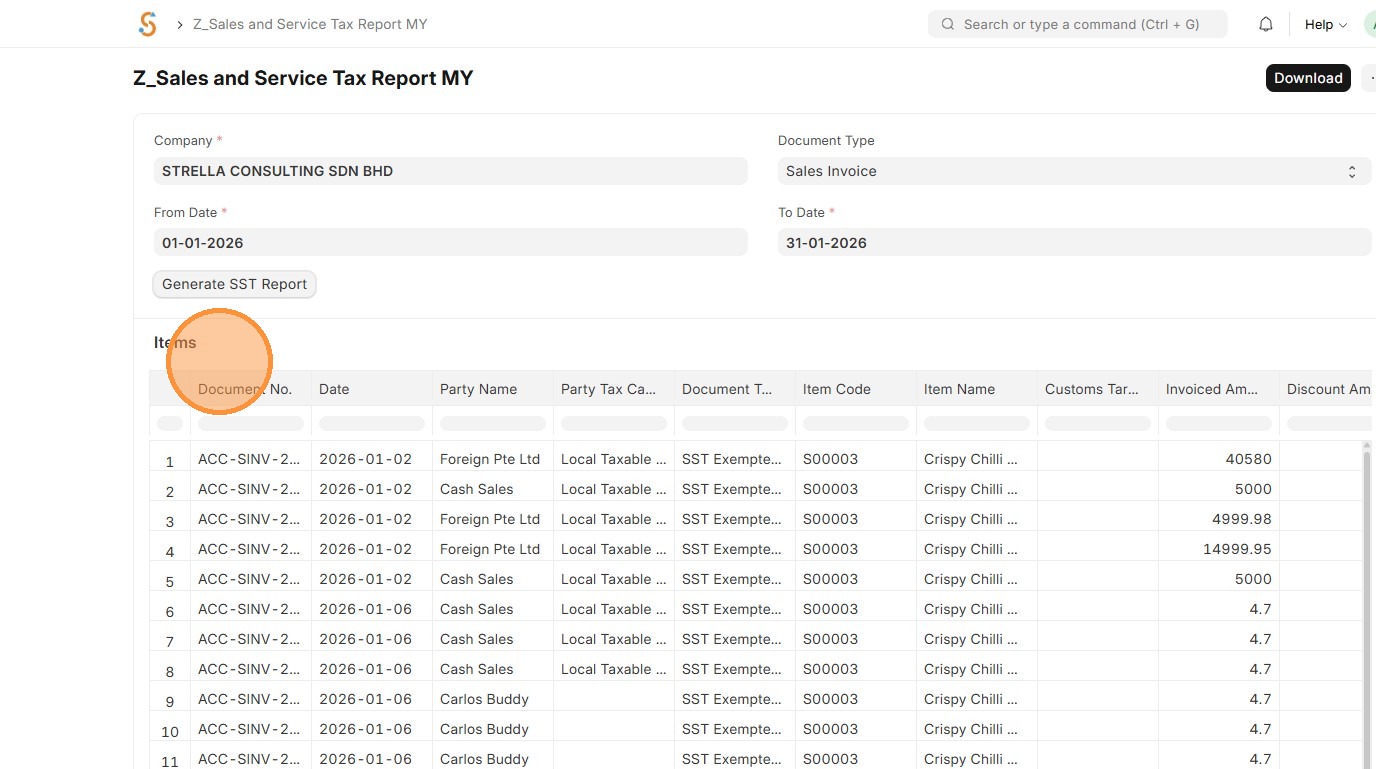
8. Click "Download" to export as Excel