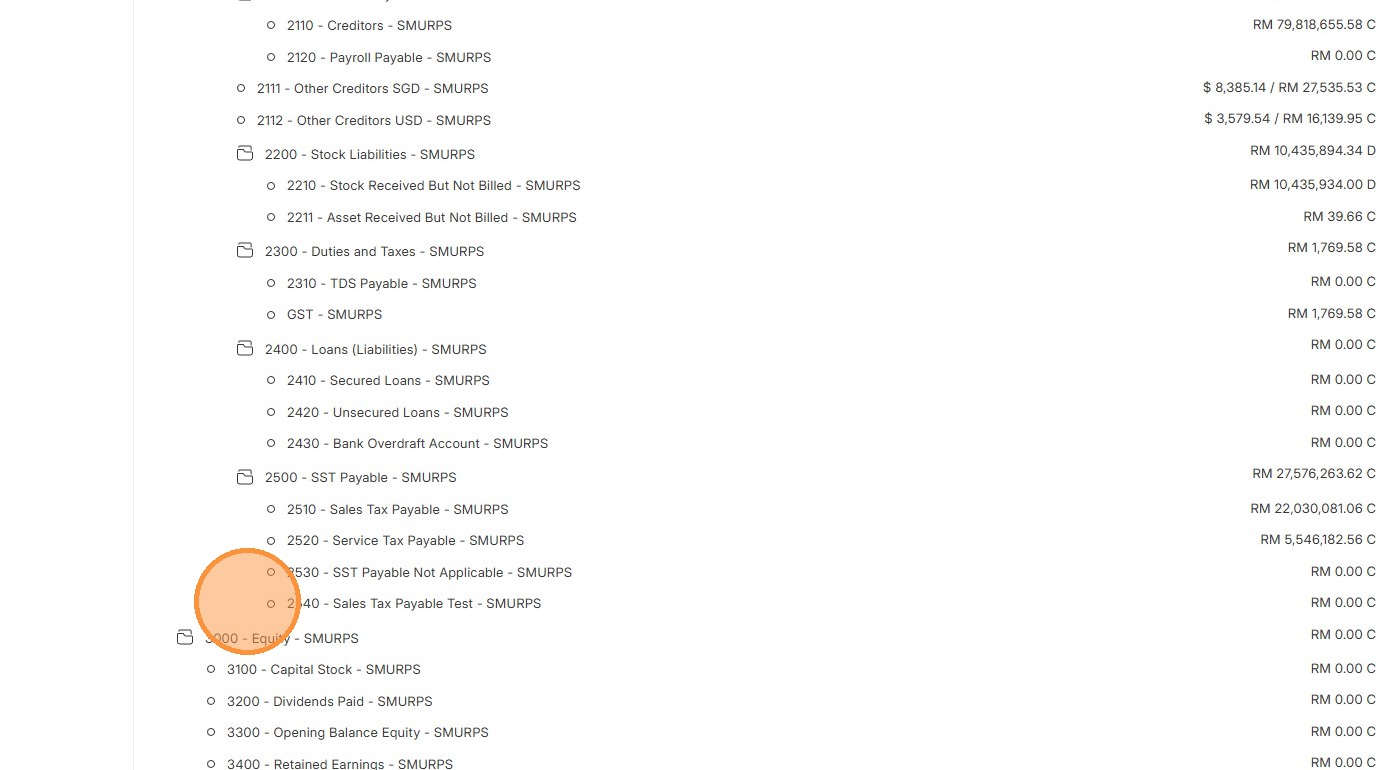
Setup and Master Data Maintenance Copy
Chart of Accounts
The Chart of Accounts is like the backbone of your accounting system. It’s a list of all the accounts where money in your business is tracked what you earn, what you spend, and what you own. Every sale, purchase, or expense gets recorded into these accounts, so at any time, you can review how much money you have, how much you owe, and how much you’ve earned.
Chart of Accounts
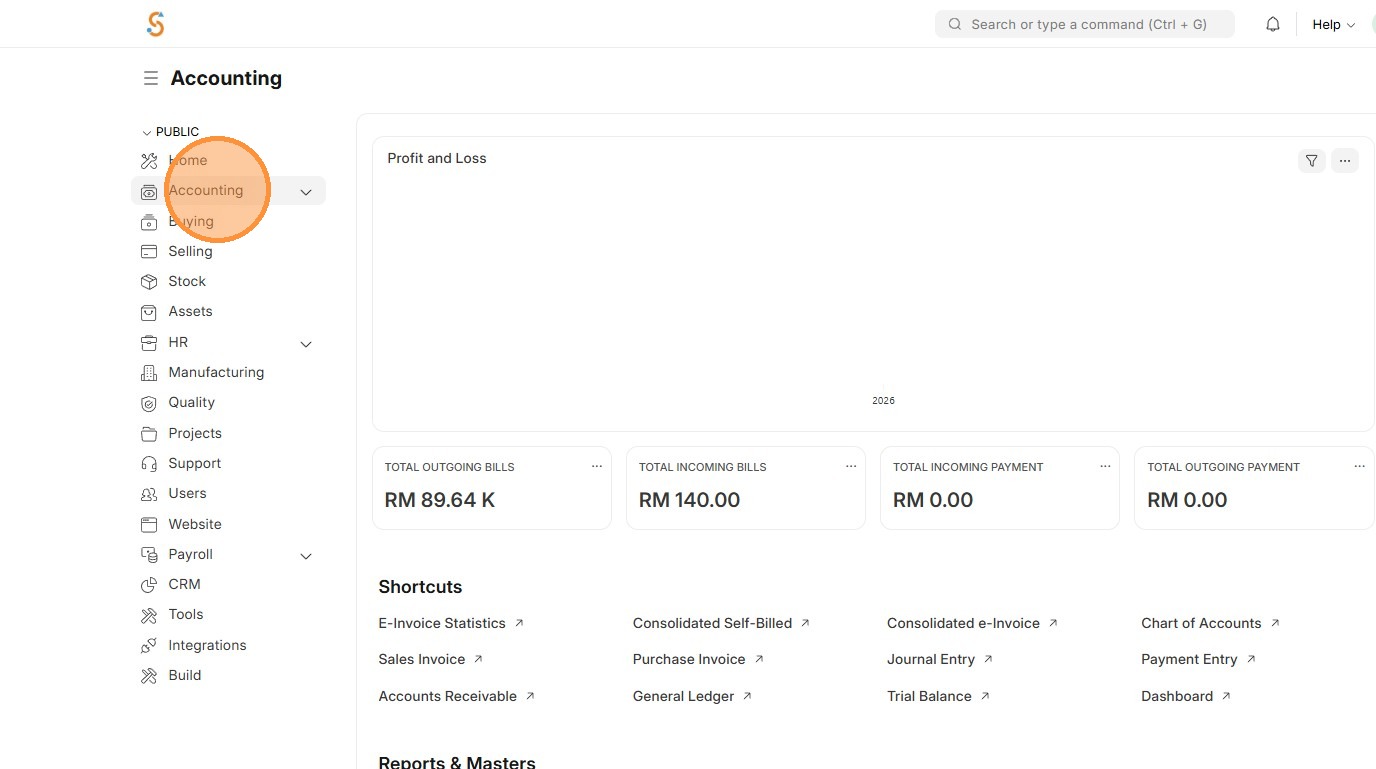
2. Click "Chart of Accounts"
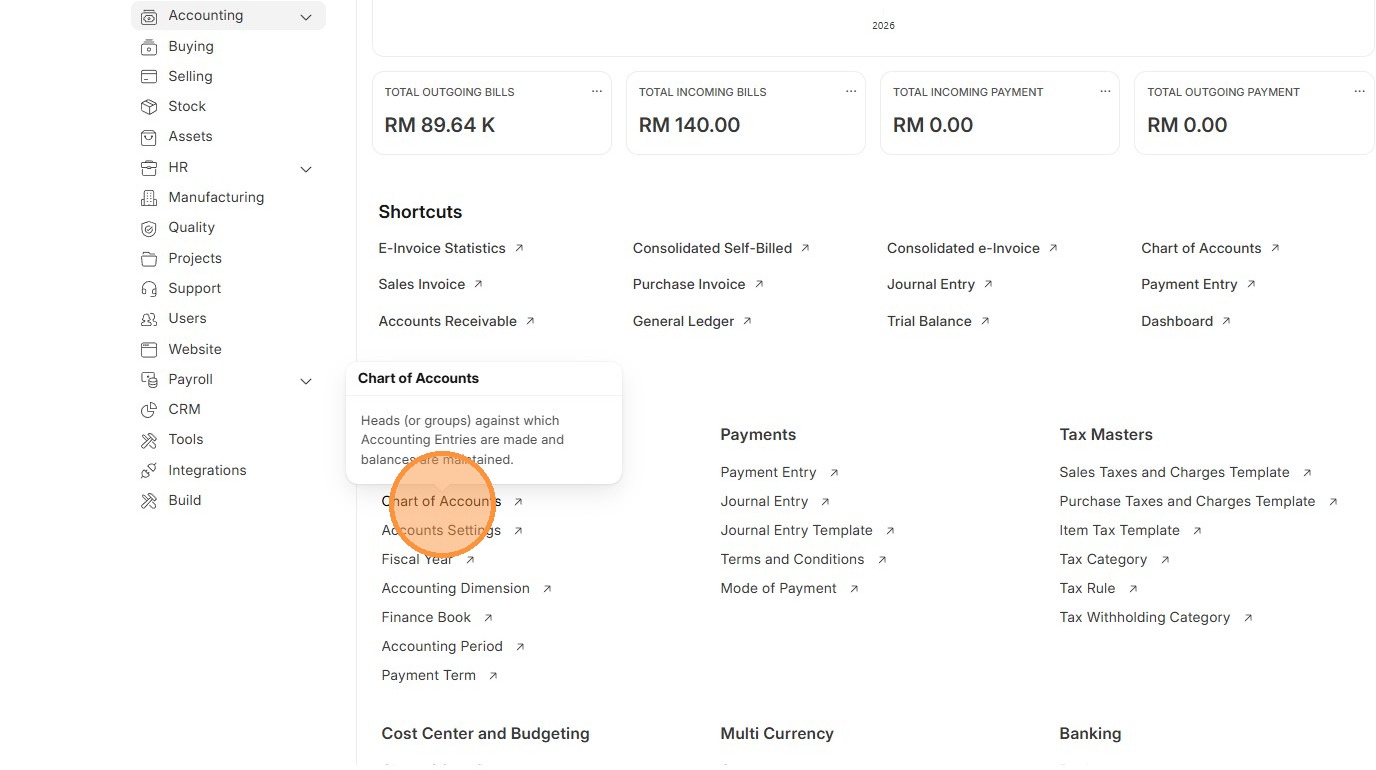
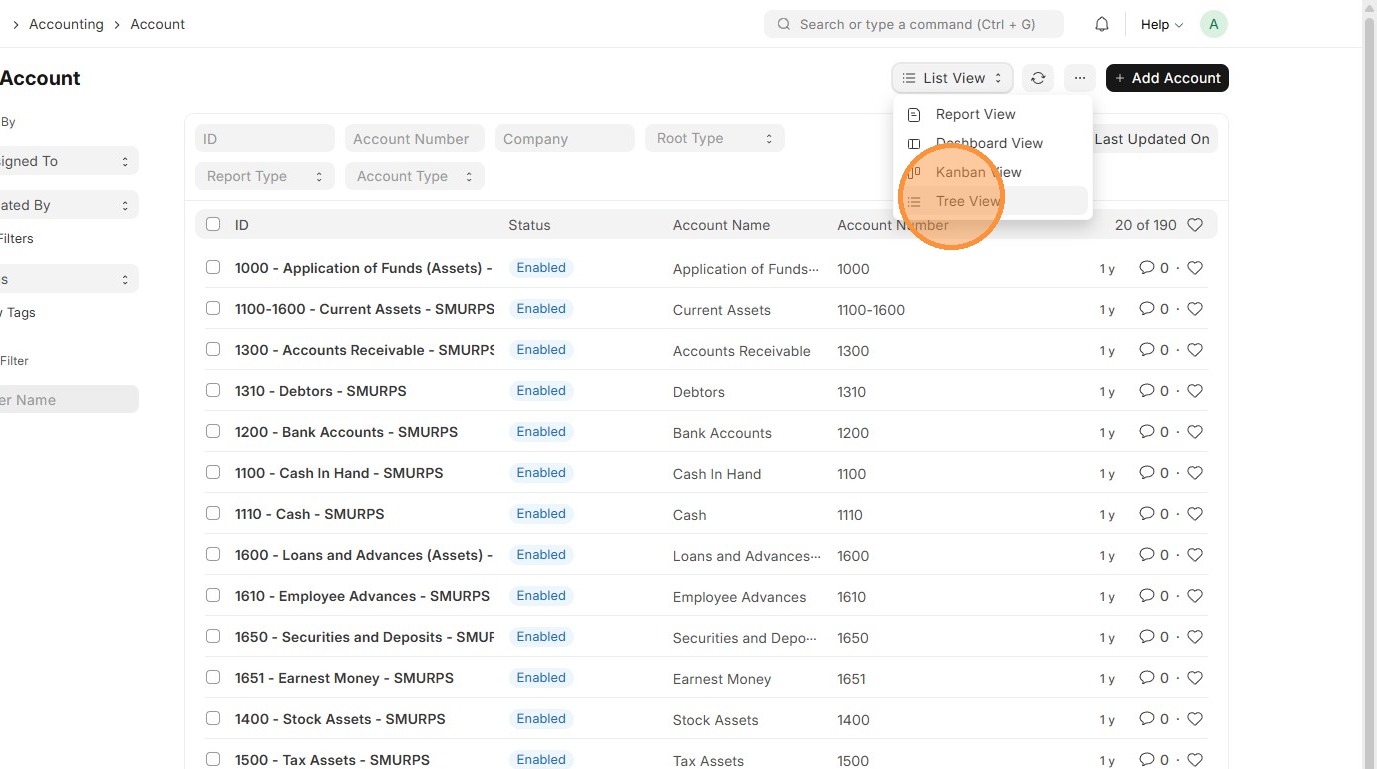
3. Click "List View"
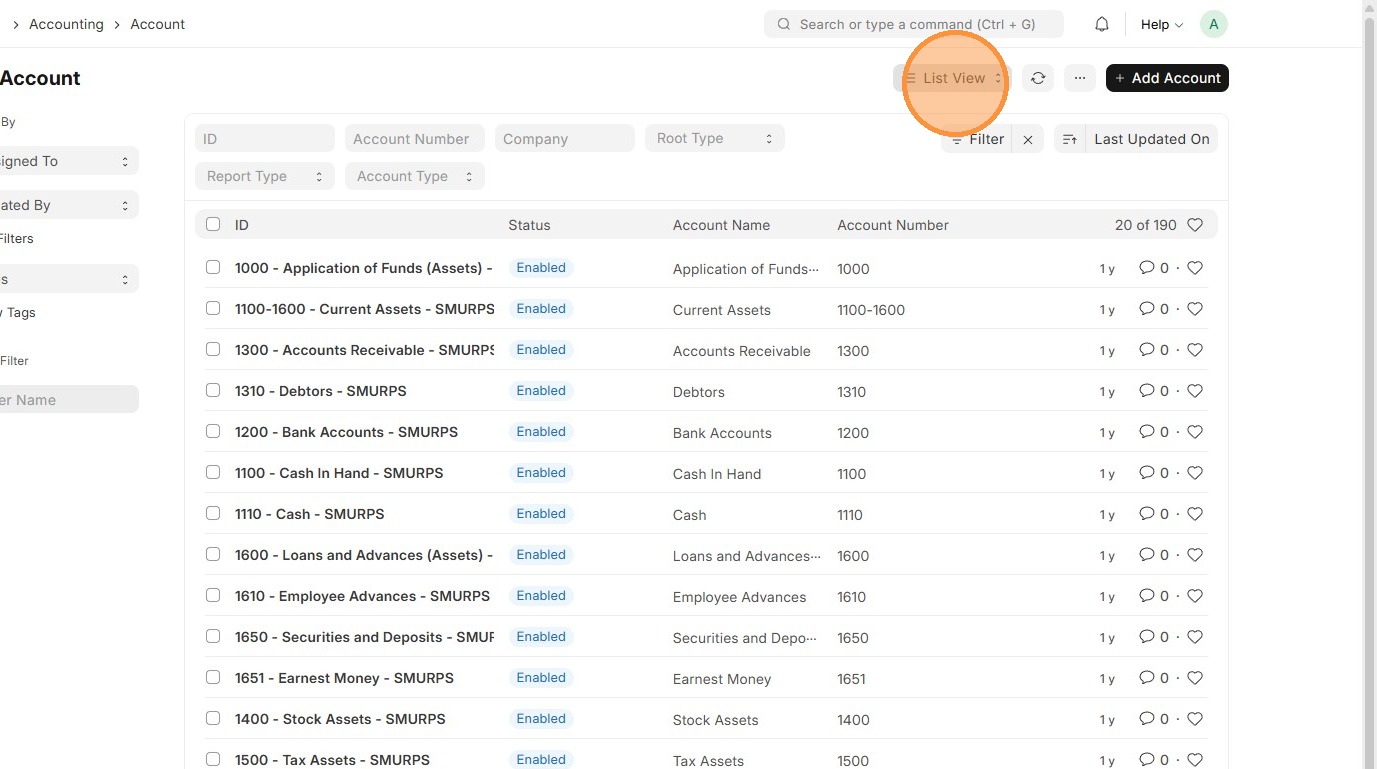
4. Click "Tree View"
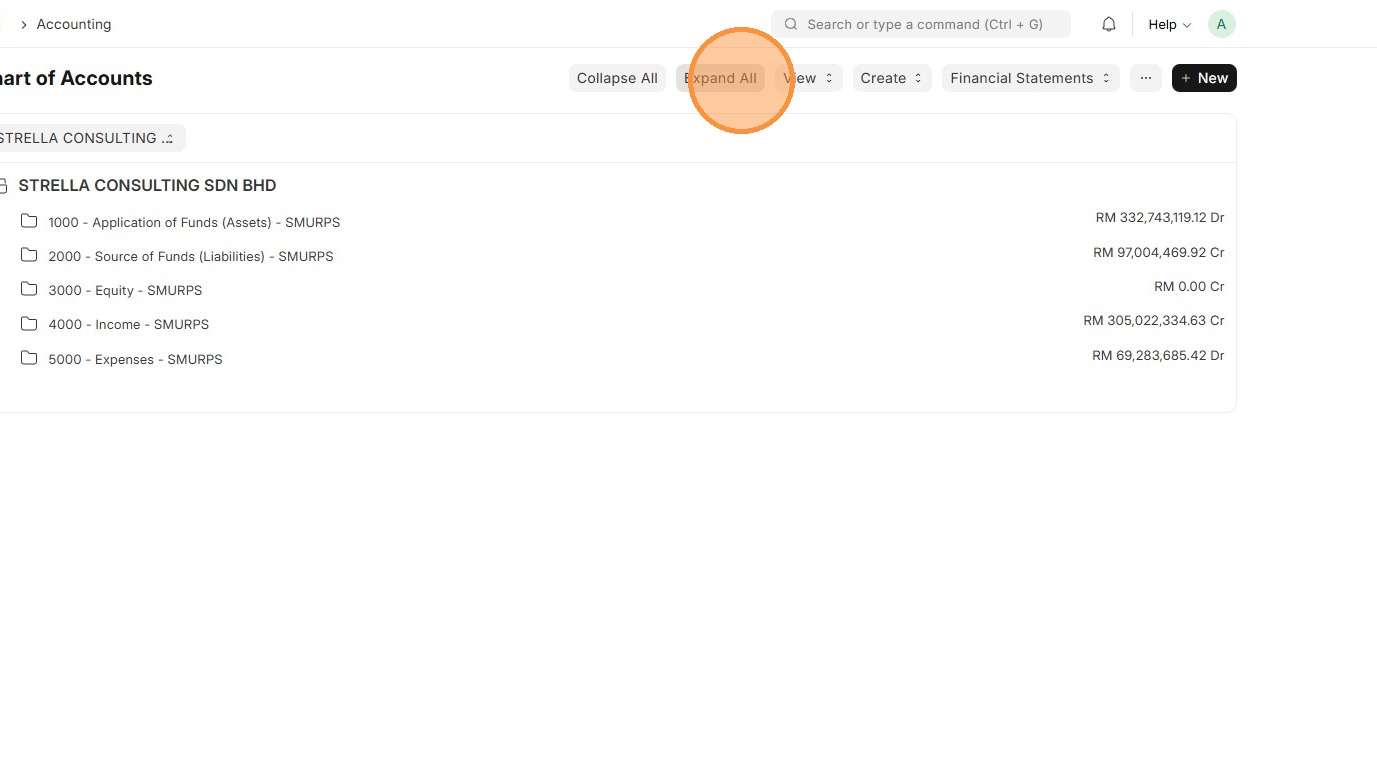
5. Click "Expand All"
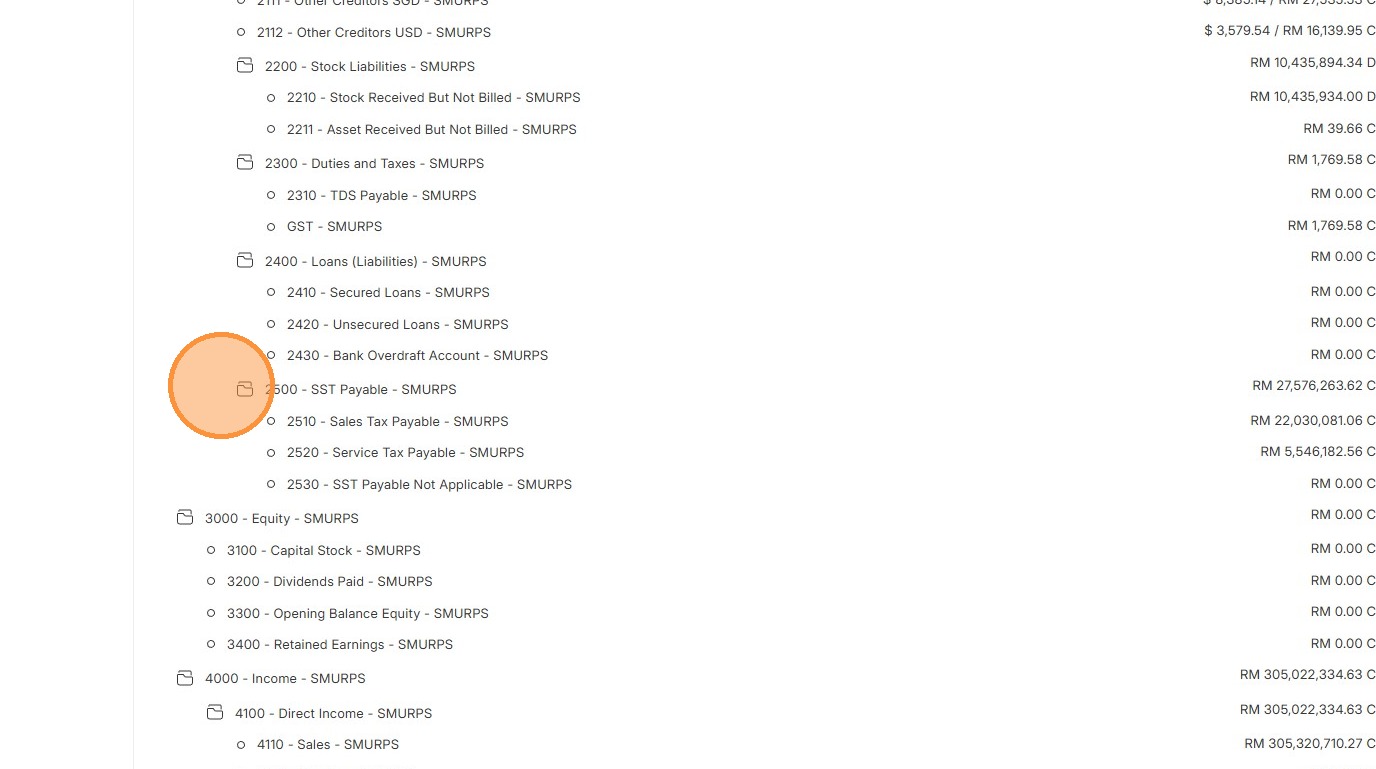
6. Review the Charts of Account structure before creating a new COA.
7. Click "Accounting"
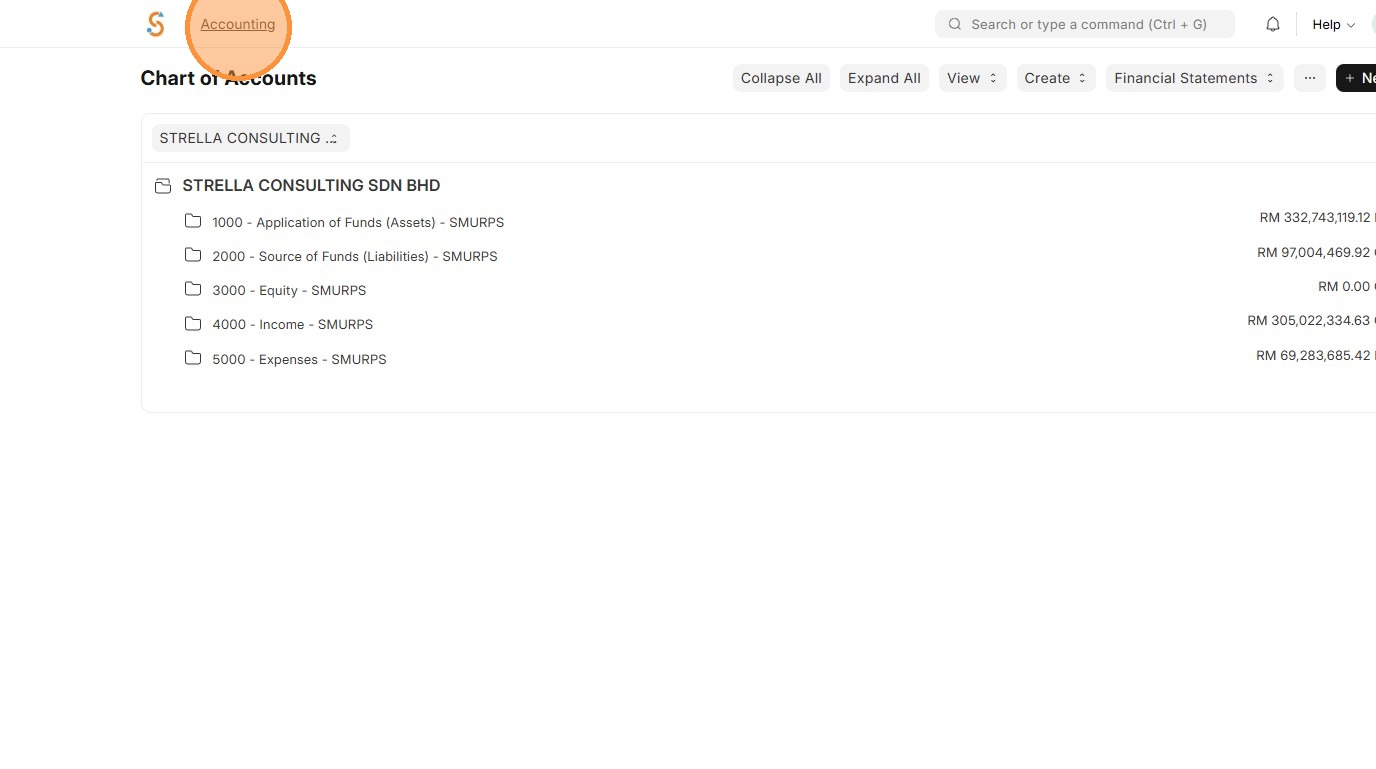
8. Click "Chart of Accounts"
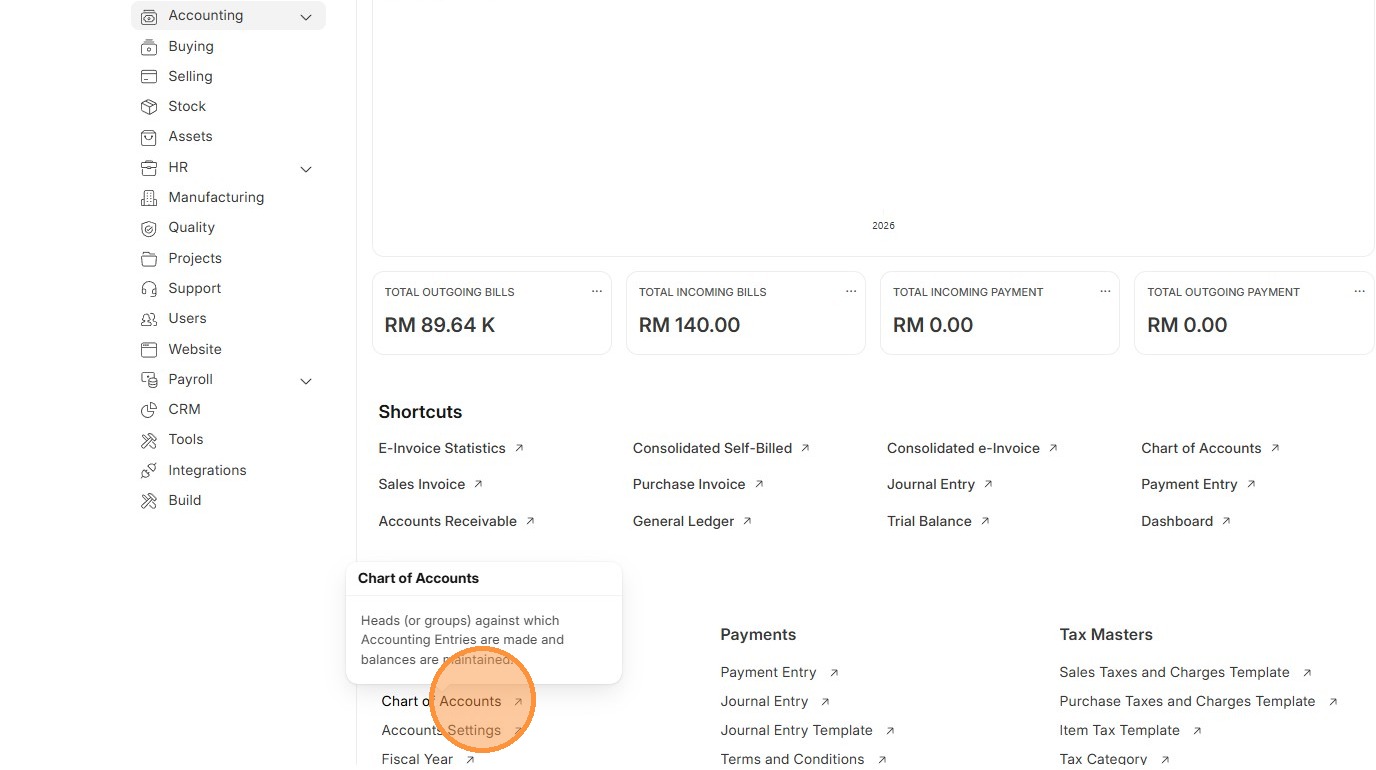
9. Click "Add Account"
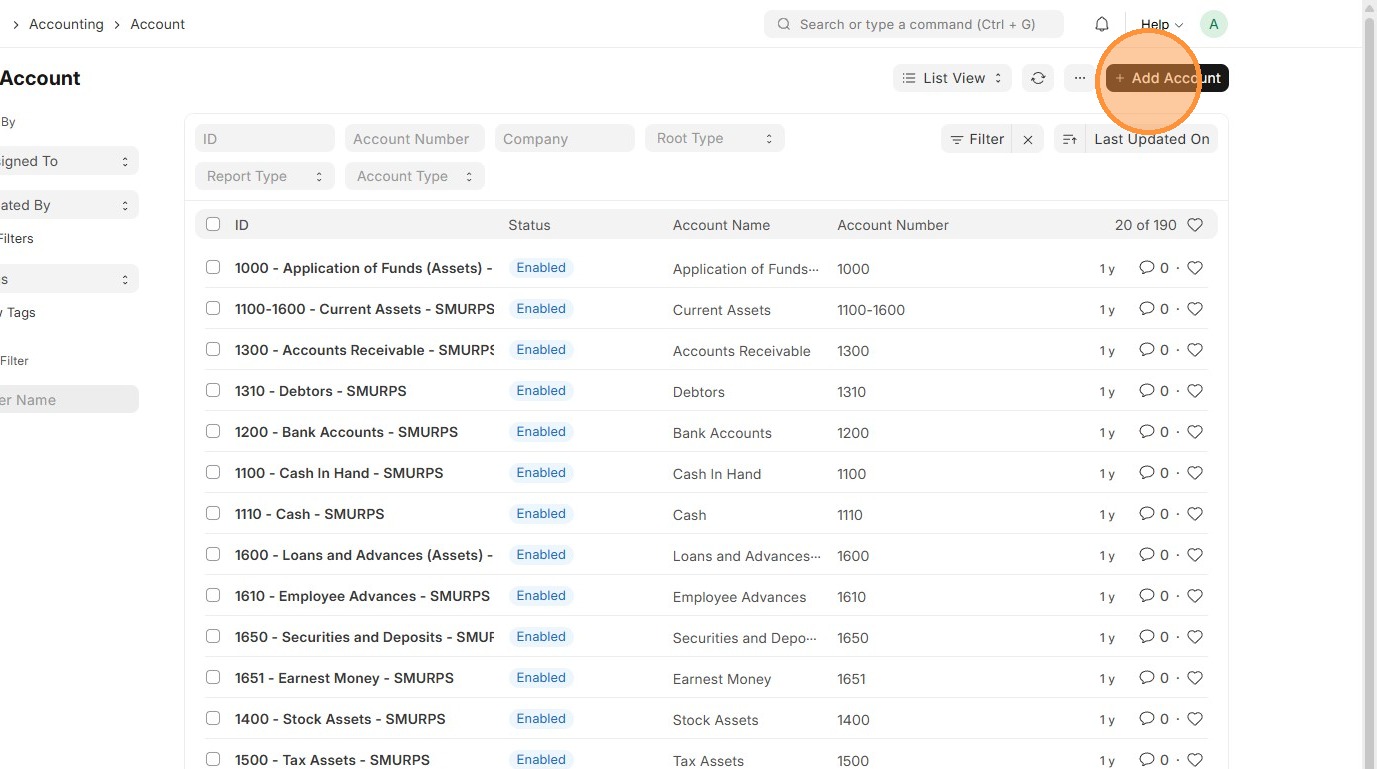
10. Enter "Account Name"
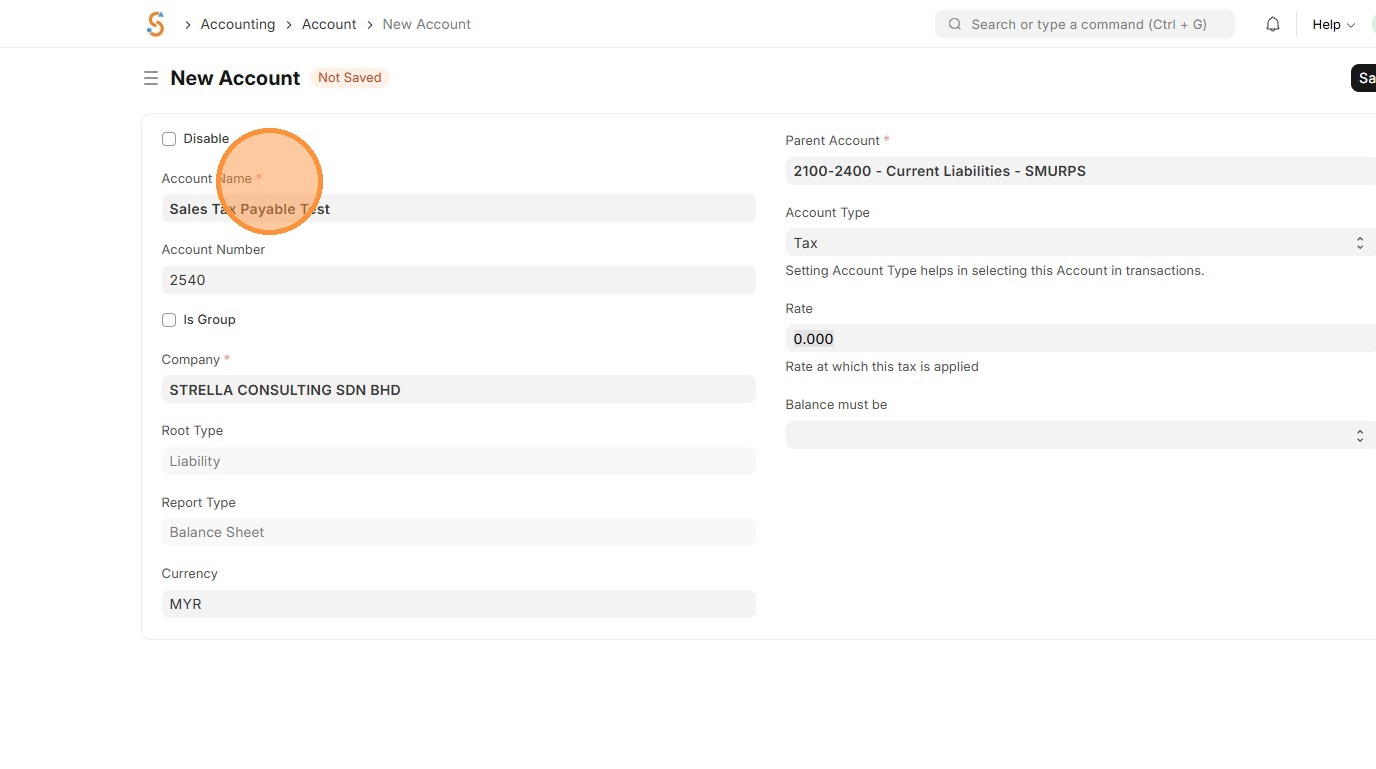
11. Enter "Account Number" and Tick 'Is Group' only if Account is Parent Group
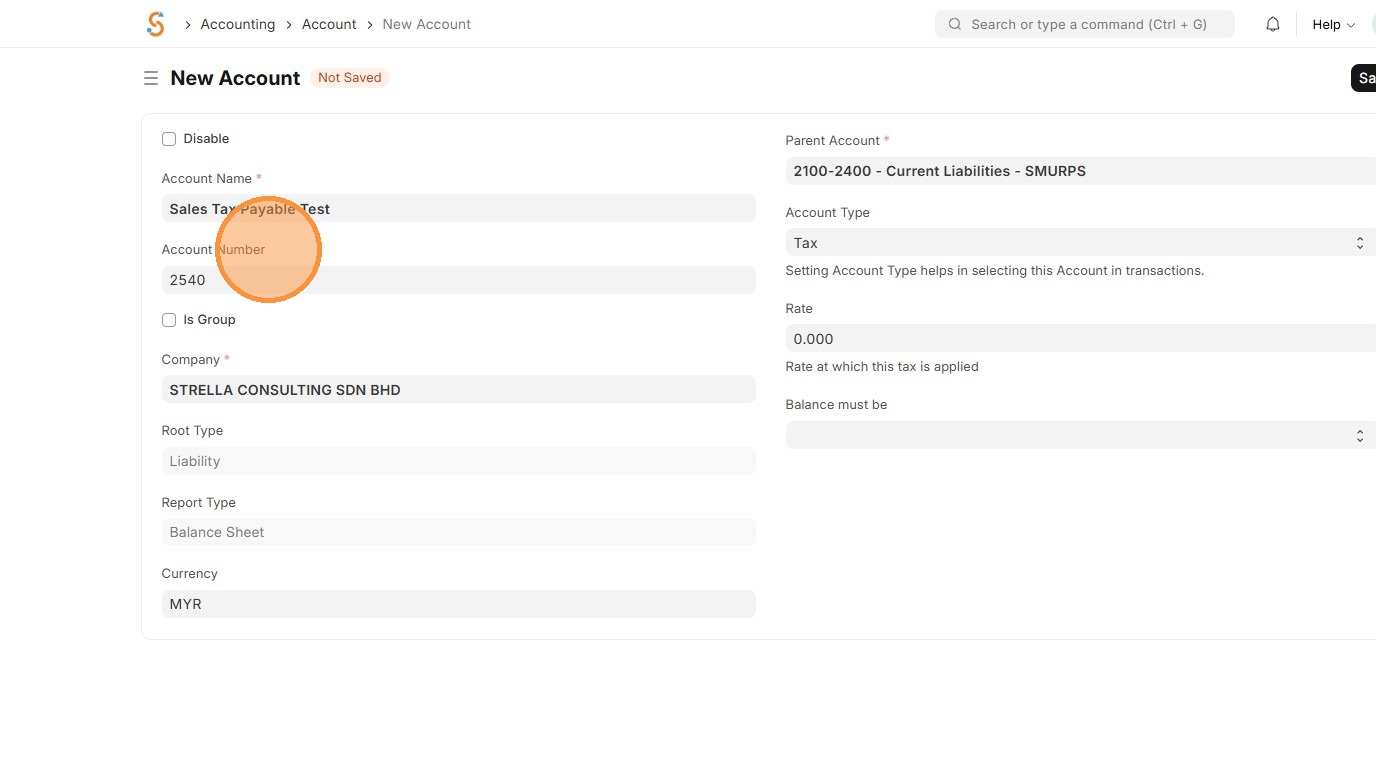
12. Review the Root Type, Report Type and Currency.
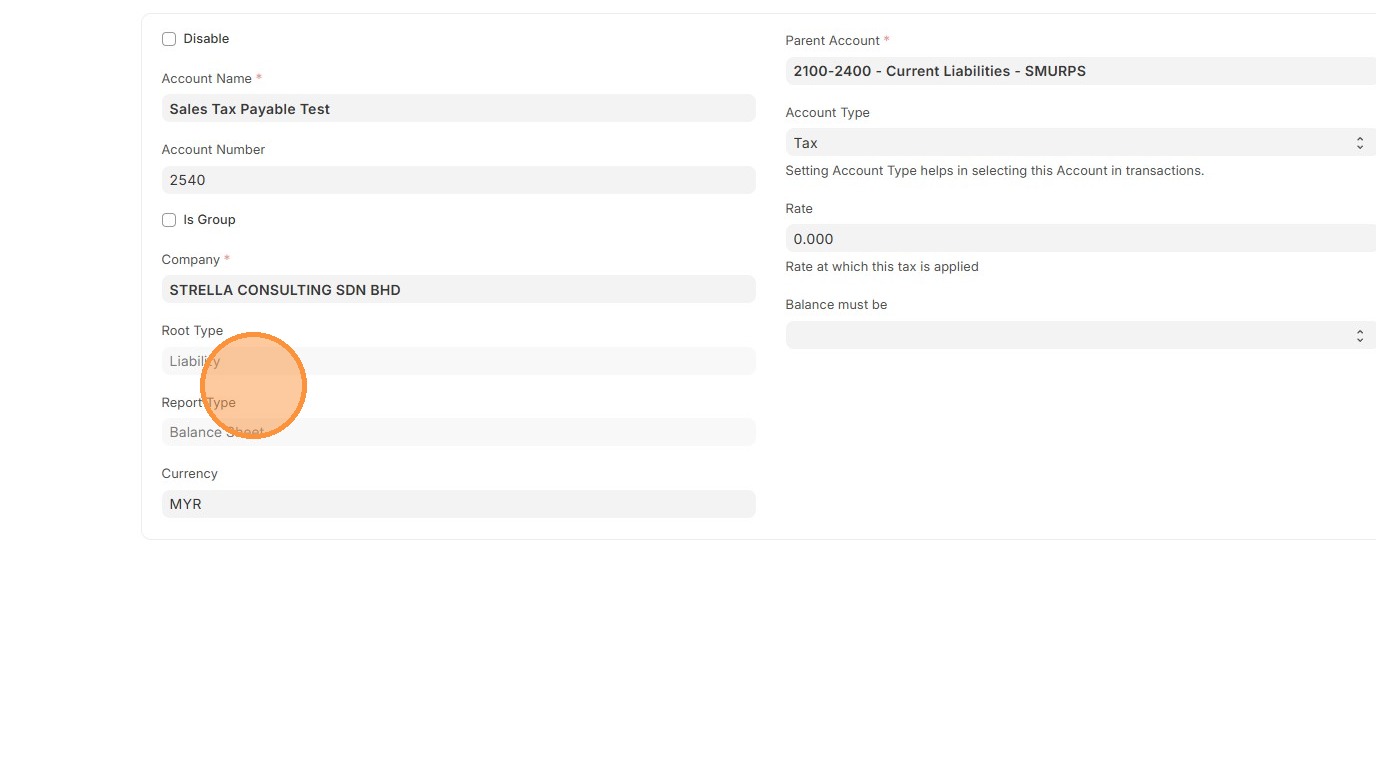
13. Select "Parent Account" and "Account Type" based on Account objective.
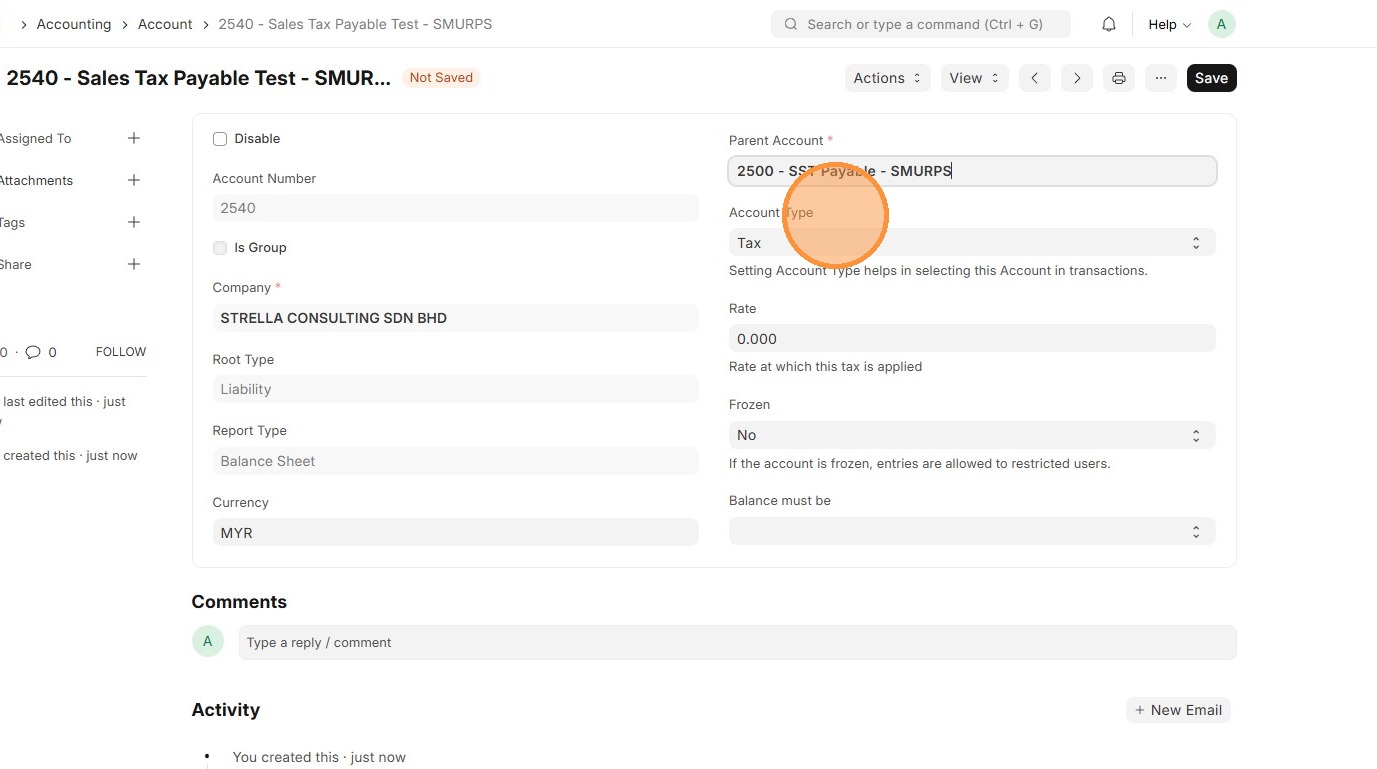
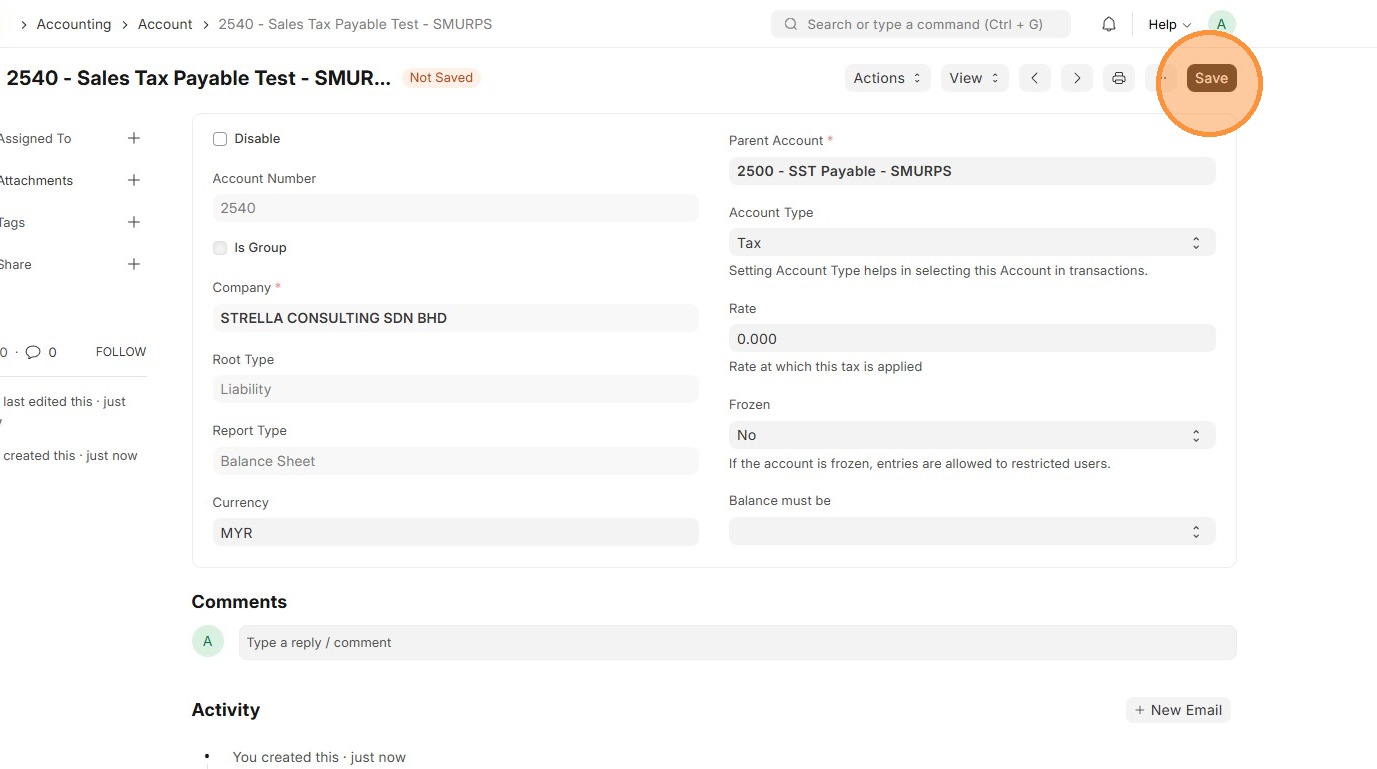
14. Click "Save"
15. Review that Account ID is created.
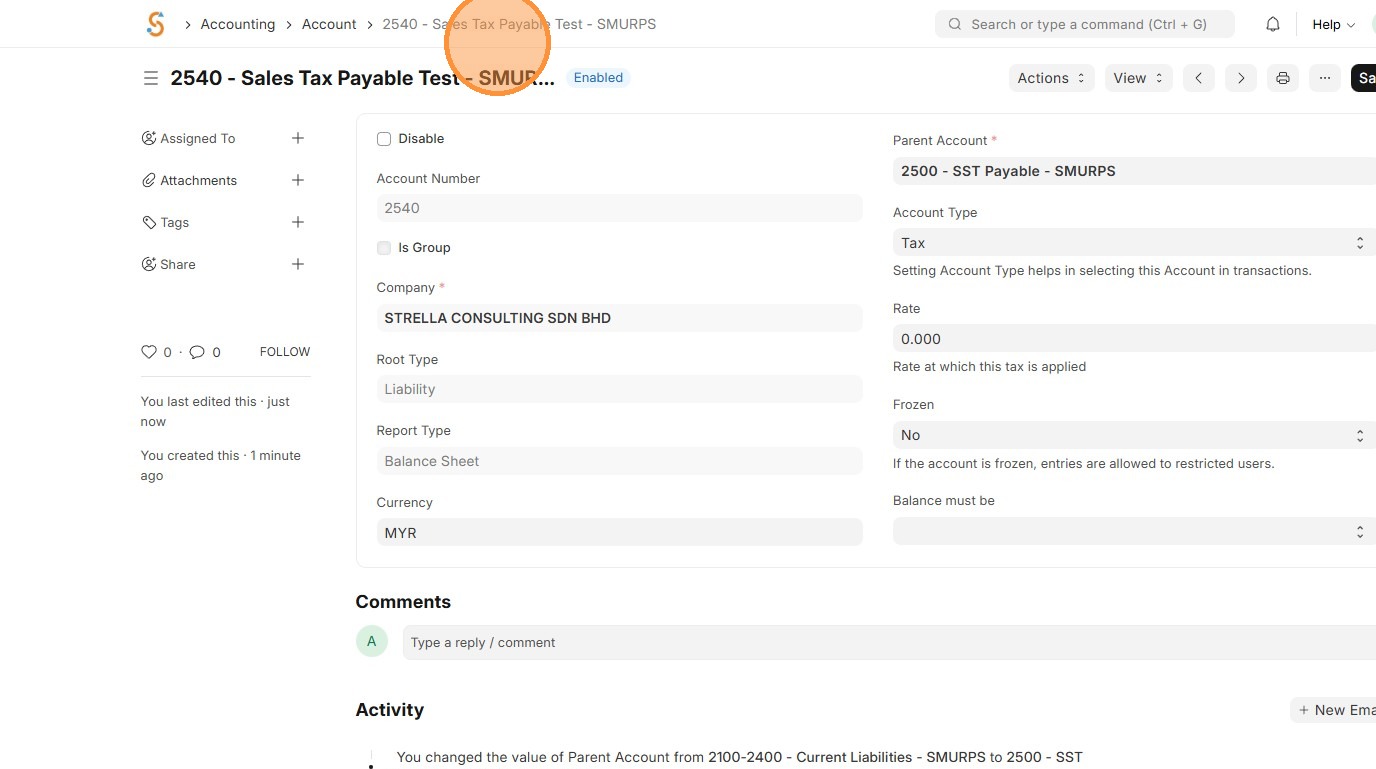
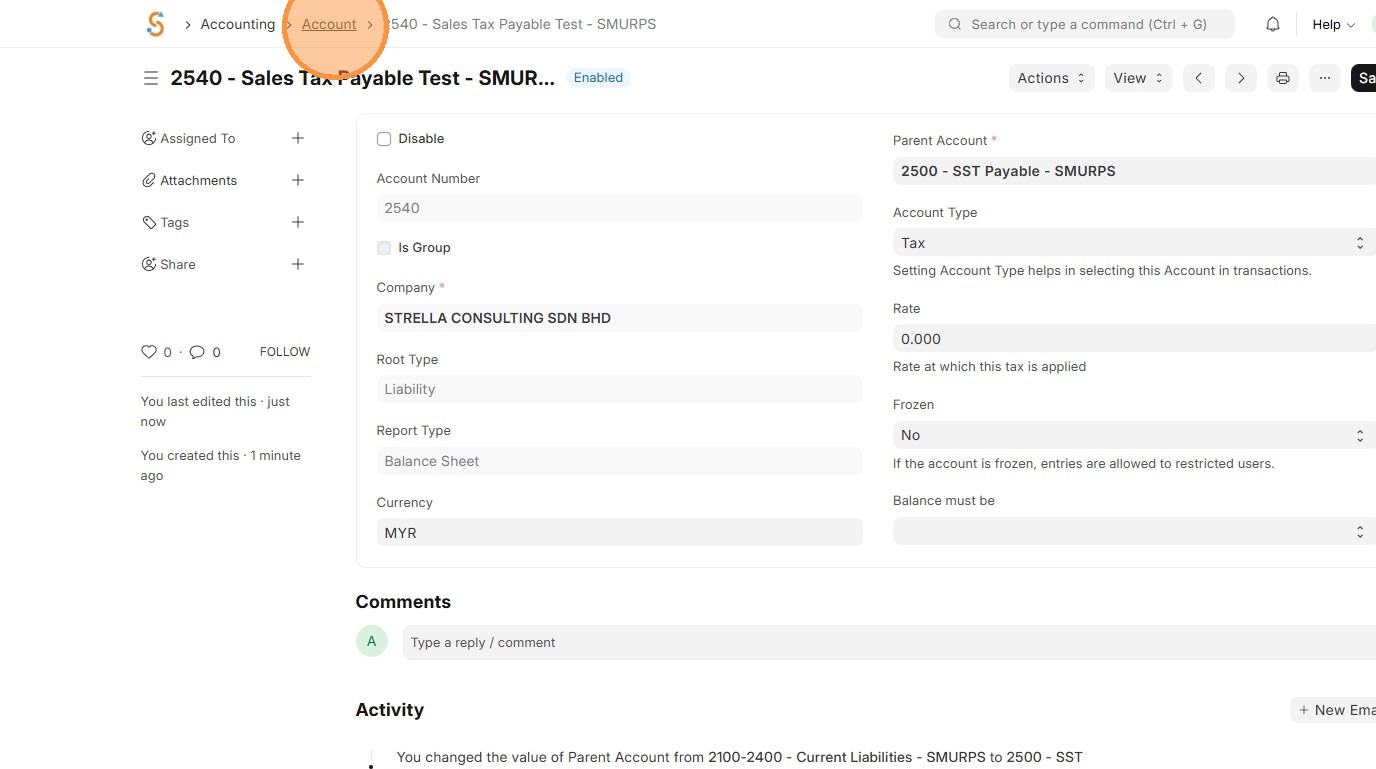
16. Click "Account"
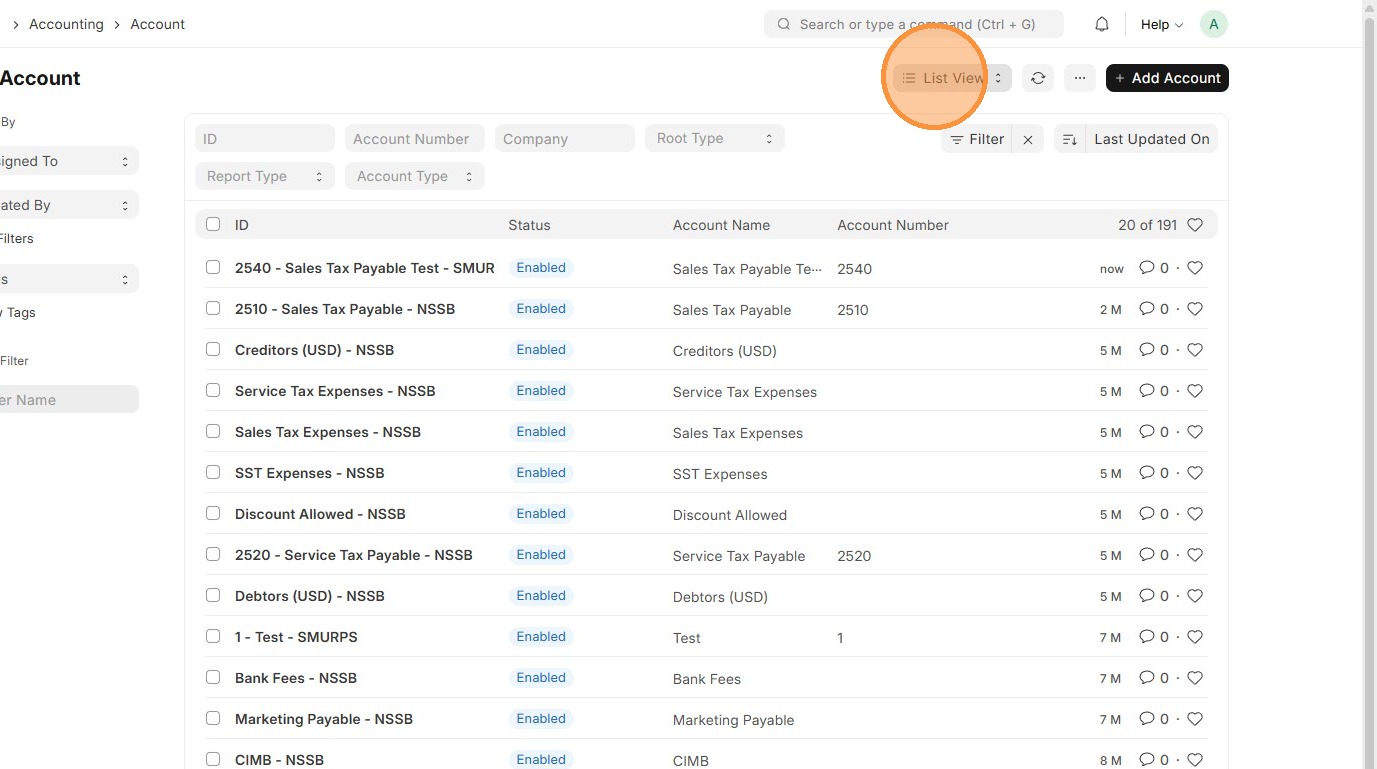
17. Click "List View"
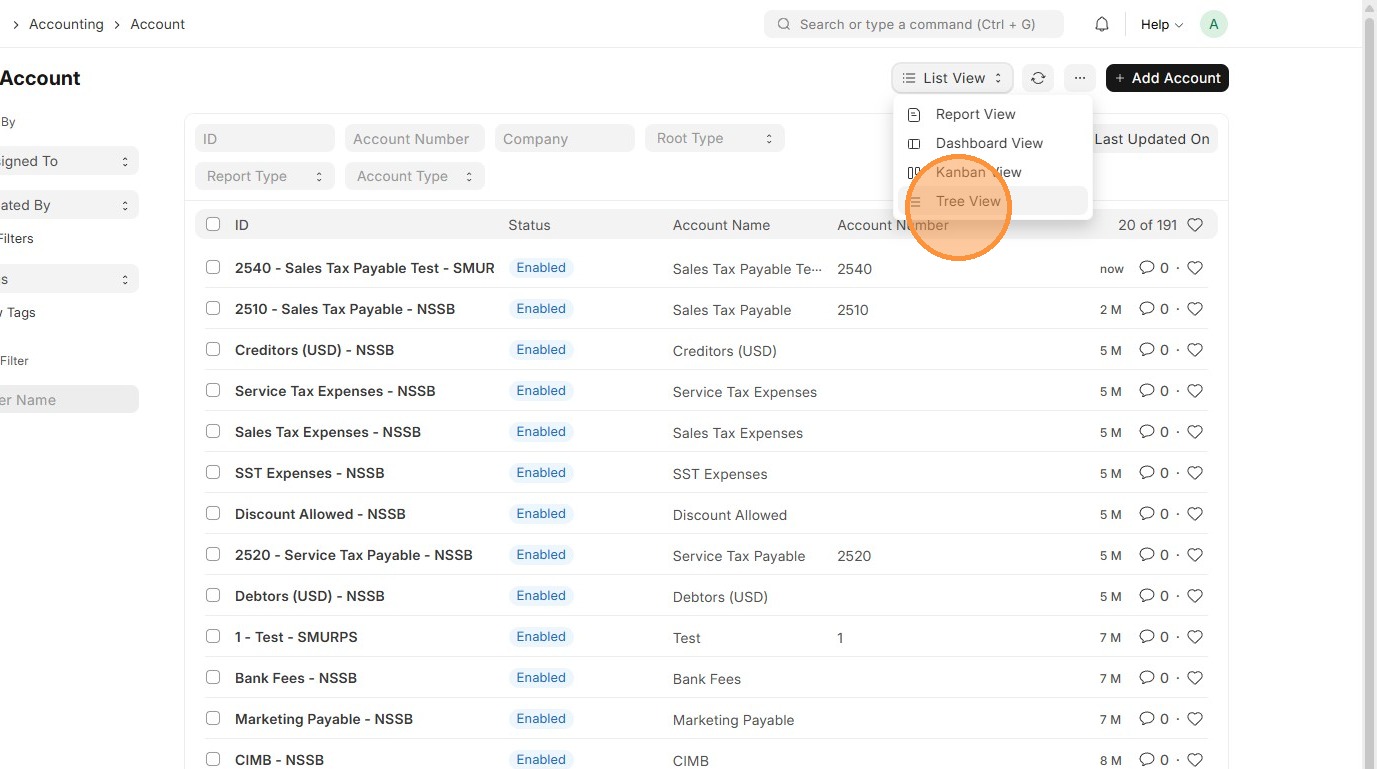
18. Click "Tree View"
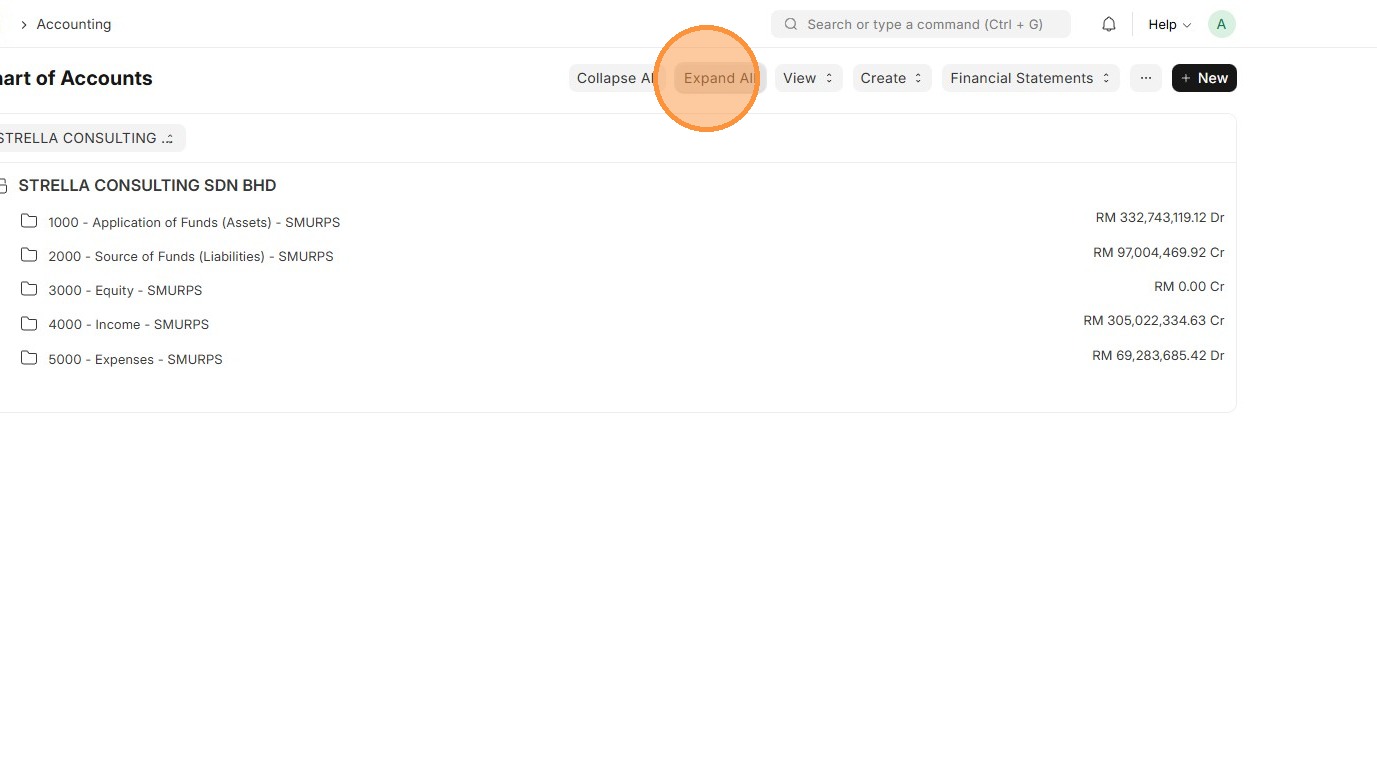
19. Click "Expand All"
20. Verify that Account newly created is linked to correct Parent Account.