Sales Invoice
A Sales Invoice is issued to a customer after delivering goods or services. Submitting a sales invoice records income and creates a receivable entry.
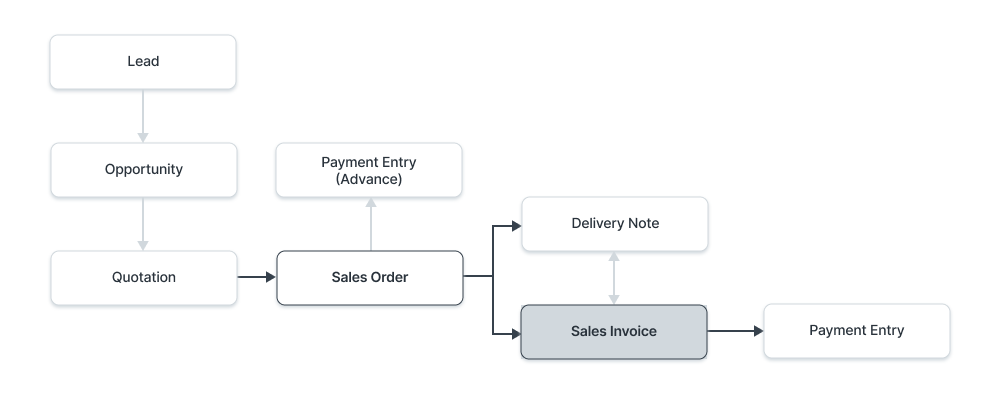
Steps to create a sales invoice:
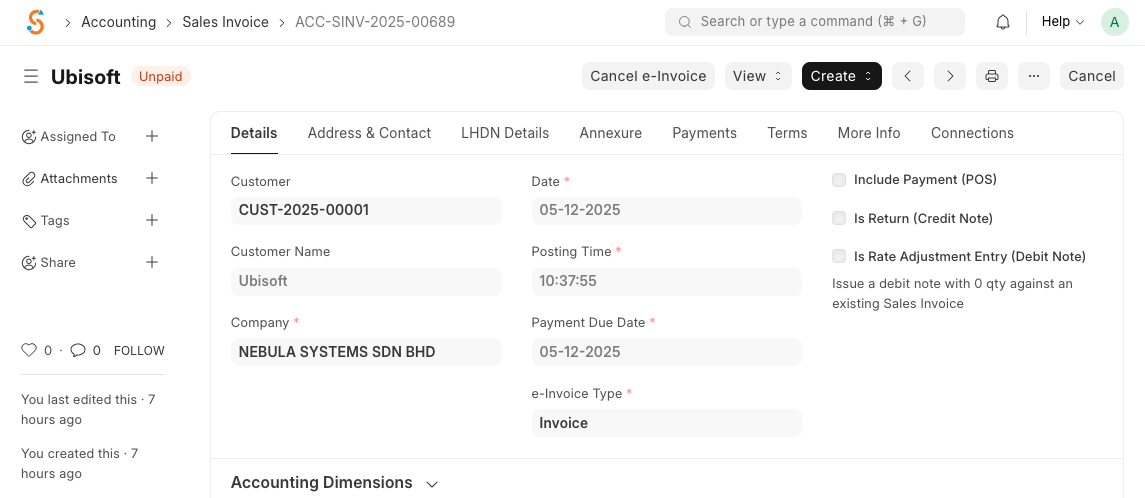
- Navigate to Home → Accounting → Accounts Receivable → Sales Invoice and click New.
- Select the Customer; the system fetches default customer details such as address and payment terms.
- Set the Due Date (defaults to the posting date) and add items with quantities and rates. Prices and taxes are fetched from the item master and price lists.
- Verify or edit the Posting Date and Posting Time. You can add shipping and other charges under Taxes and Charges.
- Save and Submit to book the revenue and create a receivable. The invoice status will change from Draft to Submitted and later to Paid when payment is received.
No comments to display
No comments to display